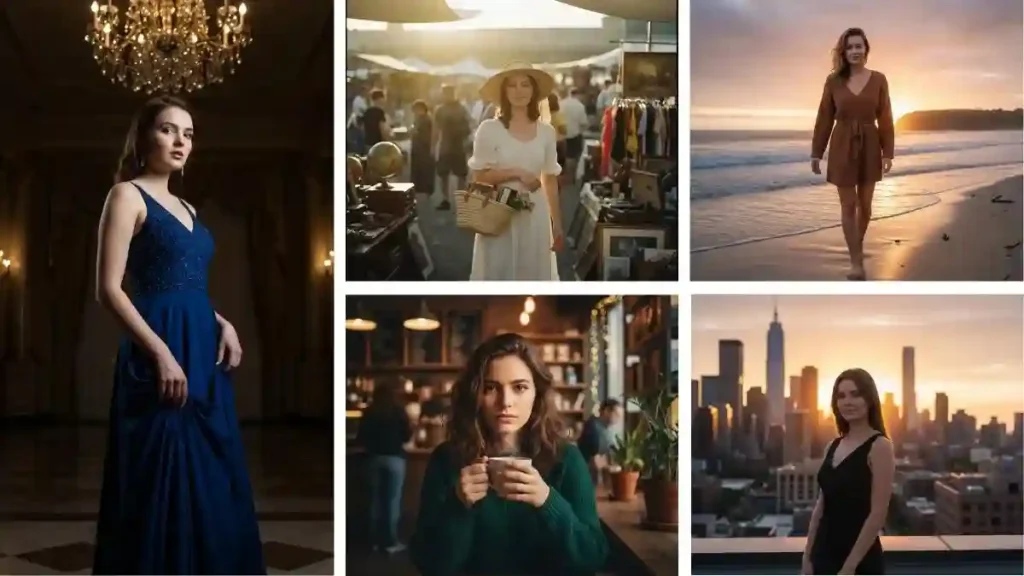
A photo can capture the right moment and still look disappointing. The lighting may be too flat, the background distracting, or the colors completely different from what you remember.
This happens frequently with smartphone photography. Even a good camera cannot automatically fix poor lighting, awkward composition, or an unsuitable background.
ChatGPT can help transform an uploaded photo into a more polished image using natural-language instructions. You can request studio lighting, cinematic colors, professional headshots, travel scenes, and realistic retouching without learning complicated photo-editing software.
The results depend on the original image and the editing request. These ten prompts provide a practical starting point.
How to Edit Your Photos With ChatGPT
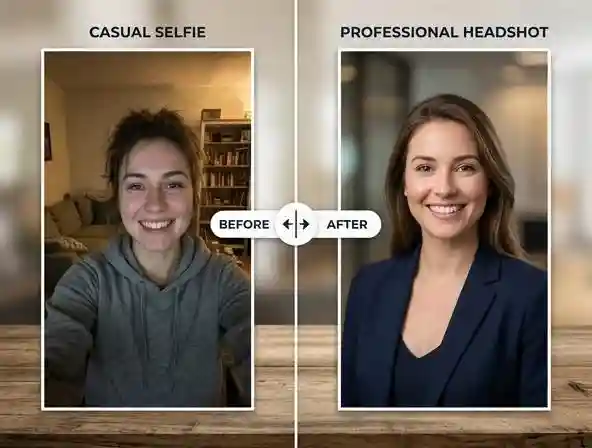
Before using the prompts, prepare a clear original image. A well-lit photo with a visible subject usually gives the editing process more useful information.
Follow these steps:
- Open ChatGPT and start a new conversation.
- Upload the photo you want to edit using the attachment button.
- Choose one of the prompts below and paste it into the message box.
- Replace placeholders such as
[OUTFIT],[LOCATION], and[DESTINATION]with your preferences. - Review the generated image and request adjustments if necessary.
- Save the result and compare it with your original photo.
Important: Image editing can sometimes change facial details, clothing, or small background elements. If preserving someone’s exact appearance is important, inspect the result carefully instead of assuming the prompt guarantees perfect identity preservation.
10 ChatGPT Prompts for Professional-Looking Photos
1. Ultra-Realistic Studio Portrait
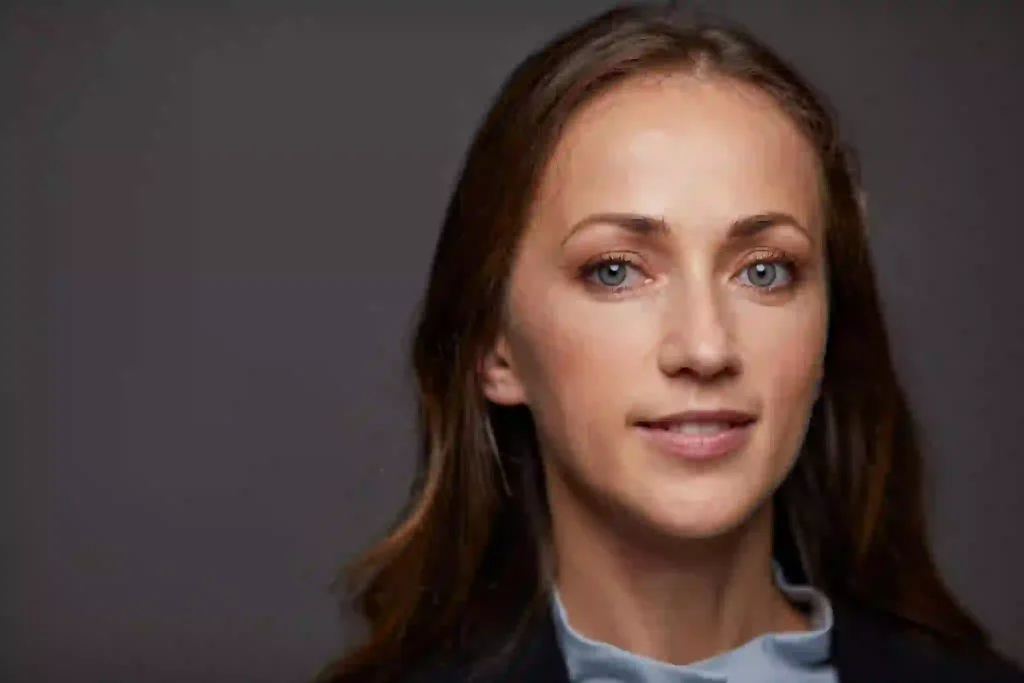
Use this prompt when you want a clean portrait with professional studio lighting. It works well for profile pictures, personal websites, and social media.
Edit my uploaded photo into a realistic, high-end studio portrait. Preserve the person's recognizable facial features, skin tone, hairstyle, expression, and natural proportions as closely as possible. Use professional studio lighting, controlled shadows, authentic skin texture, sharp eye details, and refined color grading. Keep the result photographic and natural. Avoid plastic-looking skin, excessive retouching, or exaggerated facial changes.2. Cinematic Portrait
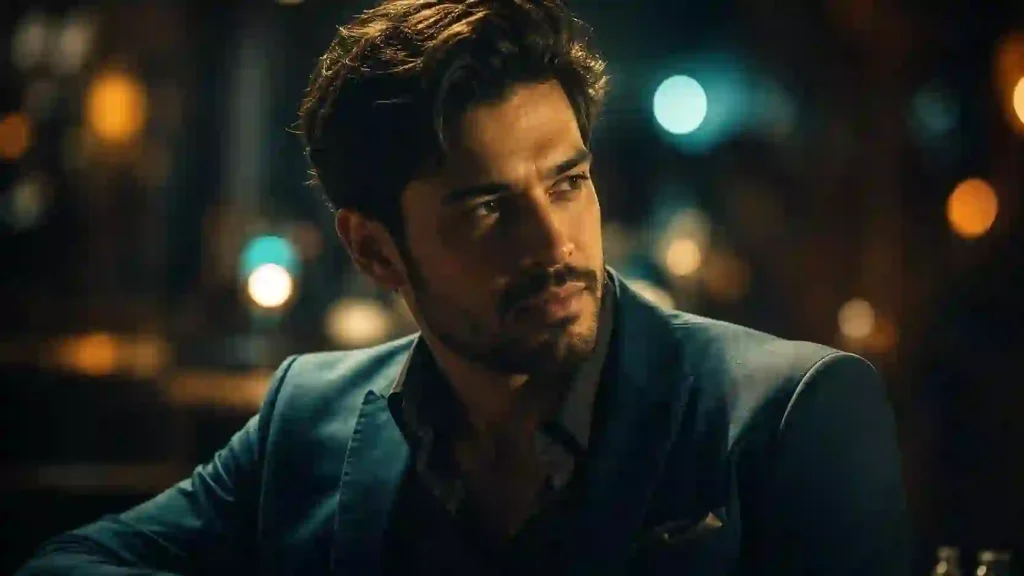
A cinematic look adds atmosphere and depth. This style is suitable for creative profiles, dramatic portraits, and social media photography.
Transform my uploaded photo into a cinematic portrait with a professional film-photography aesthetic. Preserve the person's recognizable appearance and natural proportions. Add dramatic but realistic lighting, soft background separation, atmospheric depth, natural shadows, and subtle film-inspired color grading. Keep the anatomy and textures believable. Avoid exaggerated effects and artificial-looking details.3. Professional DSLR Photography
This prompt is useful when an ordinary smartphone photo needs a more polished photographic appearance.
Improve my uploaded photo to resemble a professionally captured DSLR portrait. Preserve the person's recognizable facial features, hairstyle, skin tone, and expression. Refine exposure, composition, lighting, and color balance. Add realistic depth of field, natural background bokeh, accurate lens perspective, and detailed skin texture. Avoid facial distortion, excessive smoothing, and artificial sharpening.4. Luxury Brand Photoshoot
Use this style to create an elegant fashion or lifestyle image. Replace the placeholders with your preferred clothing and location.
Transform my uploaded photo into a premium luxury fashion campaign featuring [OUTFIT] at [LOCATION]. Preserve the person's recognizable appearance and natural proportions. Use sophisticated lighting, elegant styling, realistic fabric textures, and carefully balanced composition. Create the appearance of an editorial fashion photograph with believable materials and natural details. Avoid exaggerated luxury effects or unrealistic anatomy.5. High-End Magazine Editorial
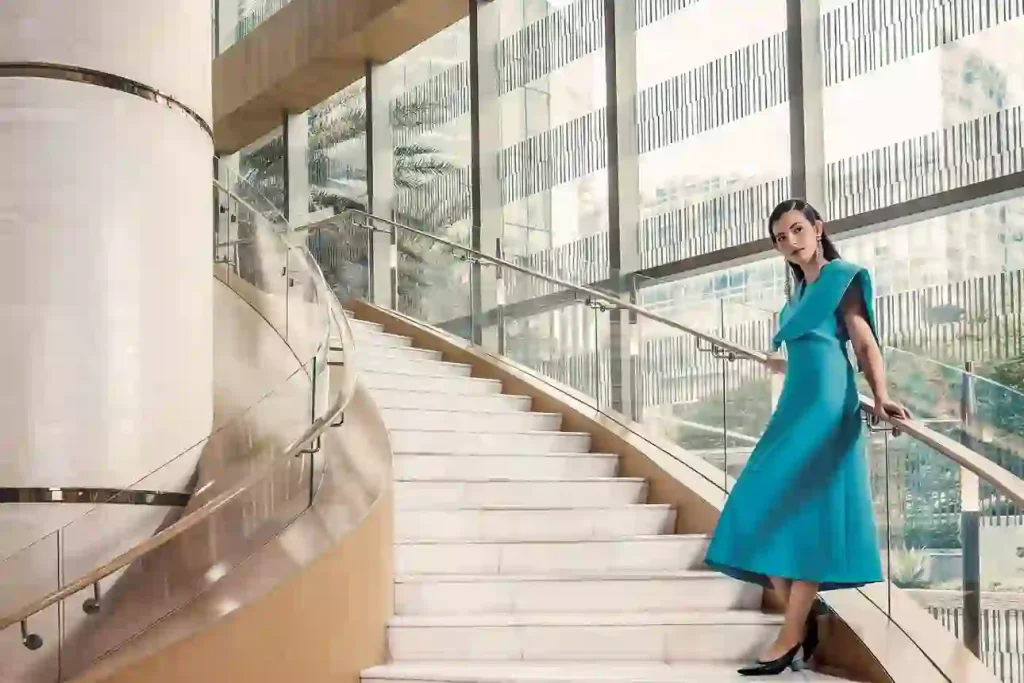
This prompt creates a more artistic, fashion-focused appearance.
Edit my uploaded photo into a sophisticated international fashion editorial. Preserve the person's recognizable facial features, hairstyle, and natural proportions. Use [OUTFIT/STYLE], a confident editorial pose, carefully controlled lighting, realistic fabric textures, and refined color grading. Create a polished magazine-style composition with natural anatomy and believable details. Avoid artificial beauty filters and excessive retouching.6. Professional Executive Headshot

A clean headshot is useful for LinkedIn, résumés, company websites, and professional profiles.
Turn my uploaded photo into a professional corporate headshot. Preserve the person's recognizable identity, facial features, skin tone, and natural appearance. Use flattering studio lighting, clear eye details, realistic skin texture, professional clothing, and a simple neutral background. Create a confident, approachable, and credible appearance without changing the person's facial structure or applying artificial beauty filters.7. Epic Travel Photography
You can use this prompt to create a travel-style portrait with a different destination.
Transform my uploaded photo into a realistic professional travel portrait at [DESTINATION]. Preserve the person's recognizable appearance and natural proportions. Integrate the subject naturally into the environment with accurate perspective, matching light direction, realistic shadows, and believable scenery. Balance the colors and background details so the result looks like a genuine travel photograph rather than a pasted subject.8. Golden Hour Photography
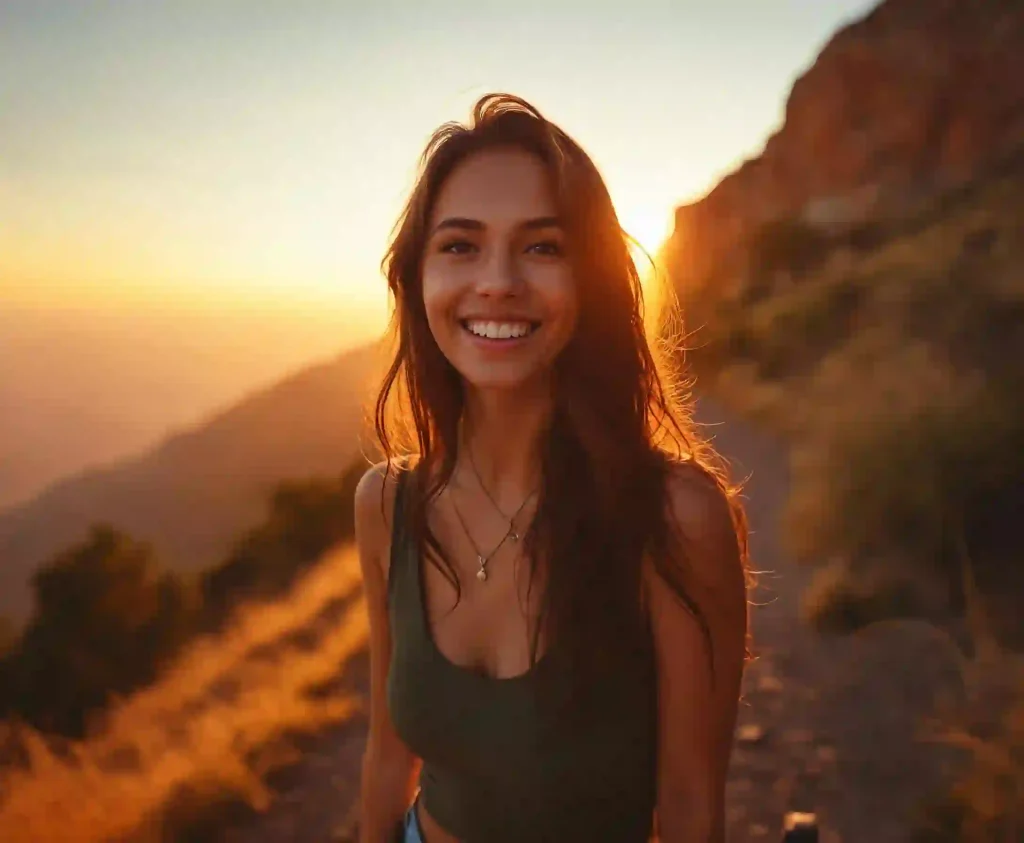
Golden-hour lighting gives portraits a warm appearance, especially when the background includes an outdoor landscape.
Edit my uploaded photo into a professional golden-hour portrait at [LOCATION]. Preserve the person's recognizable appearance and natural skin tone. Add warm sunset lighting, soft golden highlights, realistic directional shadows, and subtle rim lighting. Create natural depth and balanced colors without excessive orange tones, artificial glow, or unrealistic skin textures.9. Professional Photo Retouching
Sometimes you do not need a completely different image. You simply want to improve the original photograph.
Retouch my uploaded photo with the care of a professional photo editor. Correct exposure, white balance, contrast, highlights, shadows, and color balance. Improve clarity and fine details while preserving natural skin texture, recognizable facial features, and the original composition. Apply subtle professional color grading. Avoid oversharpening, excessive smoothing, artificial colors, or unnecessary changes to the subject.10. Seamless Background Replacement
This prompt is useful when the original background is distracting or unsuitable for the image.
Replace the background of my uploaded photo with [NEW LOCATION]. Preserve the person's recognizable appearance, face, hairstyle, clothing, pose, and natural proportions as closely as possible. Match the lighting direction, perspective, shadows, reflections, and color temperature to the new environment. Blend hair edges and clothing naturally. Make the result look like a photograph originally taken at that location, without visible editing artifacts.Tips for Getting Better Results
The prompt is only part of the process. A few practical adjustments can make a noticeable difference.
Use a Clear Original Photo
Start with a sharp image where the subject is easy to identify. Avoid heavily compressed photos, extreme shadows, and images where the face is partially hidden.
Make One Change at a Time
Do not combine studio lighting, a new outfit, a cinematic background, and heavy retouching in your first request. Start with one style, review the result, and then make smaller adjustments.
Describe the Background and Lighting
Instead of saying “make it beautiful,” explain what you want. For example, request soft window lighting, a neutral gray studio background, or warm sunset light.
Keep a Copy of the Original
Save your original photograph before editing. This makes it easier to compare results and return to the starting image if the changes are not what you expected.
Common Mistakes and Troubleshooting
The face looks different: Ask ChatGPT to reduce facial changes and preserve the original facial structure. Use a clearer reference photo if needed.
The skin looks artificial: Request natural pores, realistic texture, and minimal retouching. Avoid asking for excessive beauty enhancement.
The background looks unrealistic: Describe the lighting direction, camera perspective, and shadows more precisely. Ask for consistent reflections and natural edges.
The result looks too dramatic: Request more subtle color grading and realistic lighting. Words such as “natural,” “restrained,” and “photographic” can help communicate the desired style.
The edited image changes clothing or other details: Specify which elements must remain unchanged and request a more limited edit.
Final Thoughts
You do not need expensive photography equipment to experiment with different photographic styles. With a suitable original image and clear instructions, ChatGPT can help you explore studio portraits, cinematic photography, professional headshots, travel images, and many other visual styles.
Start with one of the ten prompts, make a small adjustment, and compare the result with your original photo. The best edits are not necessarily the most dramatic ones. They are the ones that improve the photograph while keeping it believable and recognizable.