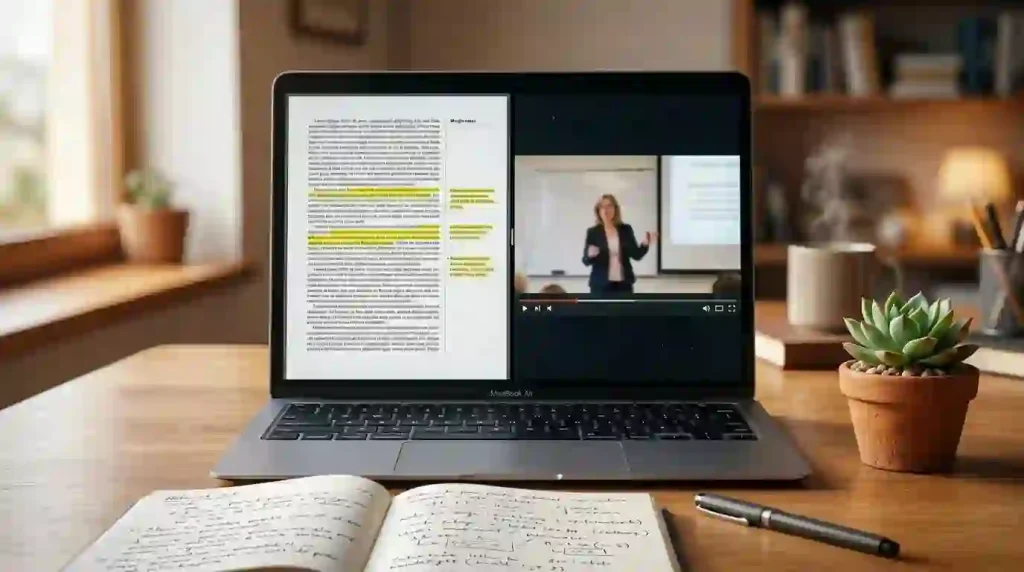
Have you ever opened a 90-minute YouTube tutorial or downloaded a 100-page PDF report, only to realize that reading or watching the entire thing could take hours?
This is a common problem for developers, students, researchers, and professionals. Important information is often buried inside long explanations, repeated examples, technical discussions, and supporting data. Even when you have the right resource, finding the specific information you need can take longer than expected.
AI tools can make this process much faster. Instead of manually reviewing every page or watching an entire video, you can provide the content to an AI assistant and ask it to extract the main ideas, key facts, important timestamps, or action items.
This guide explains how to summarize long YouTube videos and PDF reports using AI, including practical steps, example prompts, and ways to check the accuracy of the results.
1. Choose the Right AI Tool for the Content
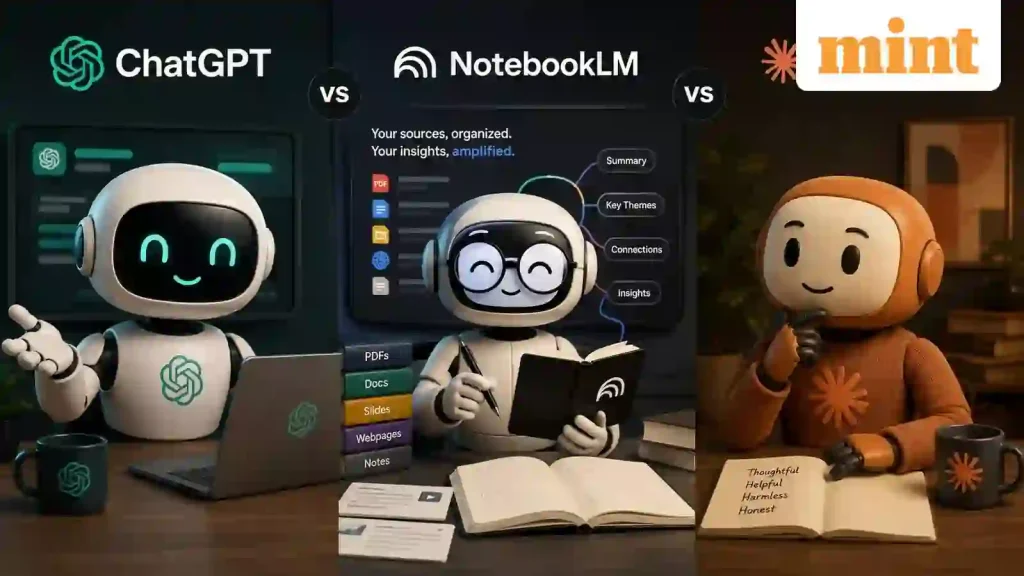
Not every AI tool processes videos and documents in the same way. Some can work with uploaded PDF files, while others can retrieve YouTube transcripts or analyze video content through supported integrations.
Here are three practical options:
- ChatGPT: Useful for analyzing uploaded PDFs, extracting information, creating structured summaries, and answering follow-up questions. YouTube access depends on the available features and whether a transcript or supported video content is provided.
- Google NotebookLM: Designed for working with source materials such as PDFs, documents, and supported web sources. It can help organize information and answer questions based on the sources you add.
- Claude: Useful for reviewing lengthy documents, explaining technical material, and producing detailed summaries. File limits and supported formats depend on your account and current product features.
Before choosing a tool, check its current file-size limits, supported formats, and source-access capabilities.
2. How to Summarize a Long YouTube Video
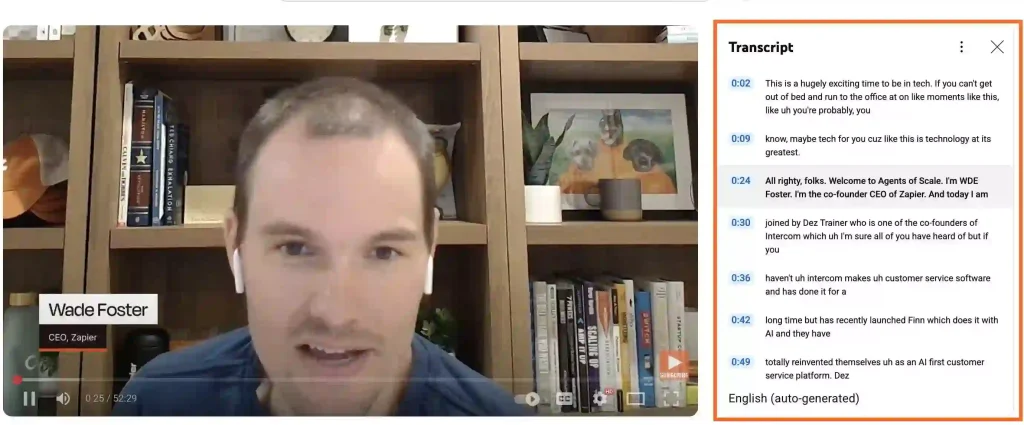
Watching a long video is not always necessary when your goal is to understand its main points. A transcript gives AI a searchable text version of the spoken content.
Step 1: Find the YouTube Transcript
Open the YouTube video you want to summarize.
- Go to YouTube and open the video.
- Expand the video description if necessary.
- Look for the Show transcript option, usually available in the video description area or menu.
- Open the transcript panel.
- Check whether timestamps are displayed alongside the text.
Not every video has a transcript. Availability depends on captions provided by the creator or generated automatically by YouTube.
Step 2: Copy the Transcript
If YouTube provides a transcript, select and copy the text.
For very long videos, you may need to copy the transcript in several sections. Keep the timestamps if possible because they make it easier to return to important parts of the original video.
If the transcript option is unavailable, check whether the creator provides subtitles, a downloadable transcript, or a written version of the presentation.
Avoid downloading or extracting copyrighted material through methods that violate the platform’s terms or the creator’s rights.
Step 3: Ask ChatGPT to Summarize It
Open ChatGPT and paste the transcript into a new conversation. For a long transcript, divide it into manageable sections and ask the AI to summarize each part.
Use this prompt:
Act as an expert research assistant.

Summarize the following YouTube video transcript.

Please organize the summary into:

1. A short overview of the video
2. The 10 most important points
3. Important examples, facts, and explanations
4. Practical advice or steps mentioned by the speaker
5. Important timestamps, if available
6. A final summary in simple language

Do not invent information or add claims that are
not supported by the transcript.

Transcript:
[Paste transcript here]
This approach produces a more useful result than simply asking, “Summarize this video.”
Step 4: Ask Follow-Up Questions
After receiving the summary, ask specific questions to explore the content further.
For example:
Based only on the transcript, explain the three
most important recommendations made by the speaker.

Include the original timestamps and explain
why each recommendation matters.
You can also request a checklist, comparison table, or beginner-friendly explanation.
3. How to Summarize Long PDF Reports
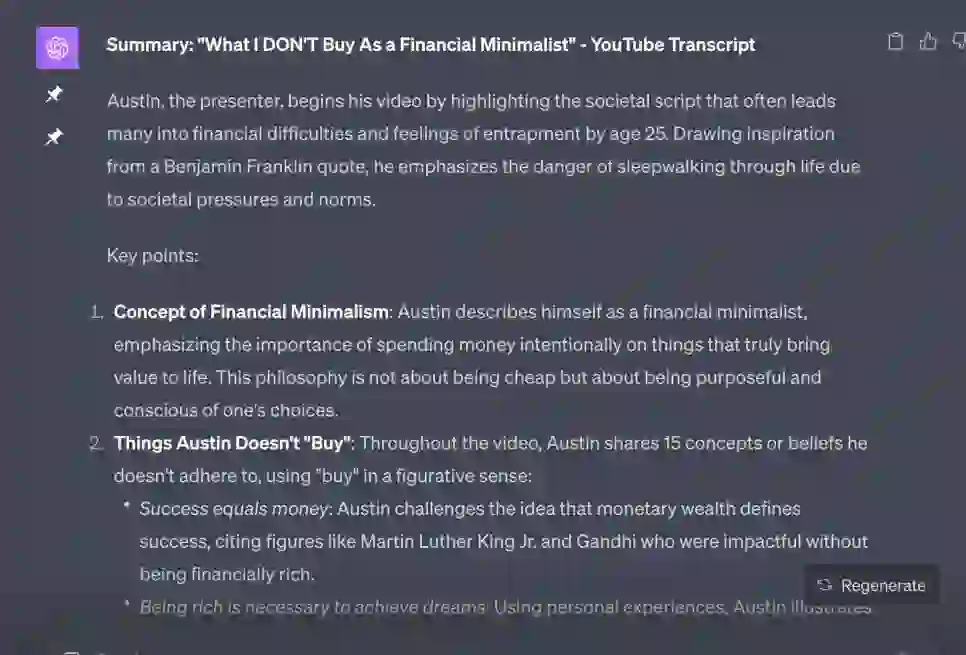
PDF reports are common in business, technology, finance, education, and research. They may contain hundreds of pages, making manual review time-consuming.
AI can help identify important sections and explain complex information.
Step 1: Prepare Your PDF File
Find the PDF report you want to analyze and save it to your computer.
Before uploading, check the document:
- Is the text selectable?
- Does the PDF contain scanned pages?
- Are important tables and charts readable?
- Does the file contain confidential or sensitive information?
Scanned PDFs may require OCR (Optical Character Recognition) before AI can process their text reliably. If the document contains sensitive information, review the AI service’s privacy and data-handling settings before uploading it.
Step 2: Upload the PDF to ChatGPT
Open ChatGPT and start a new conversation.
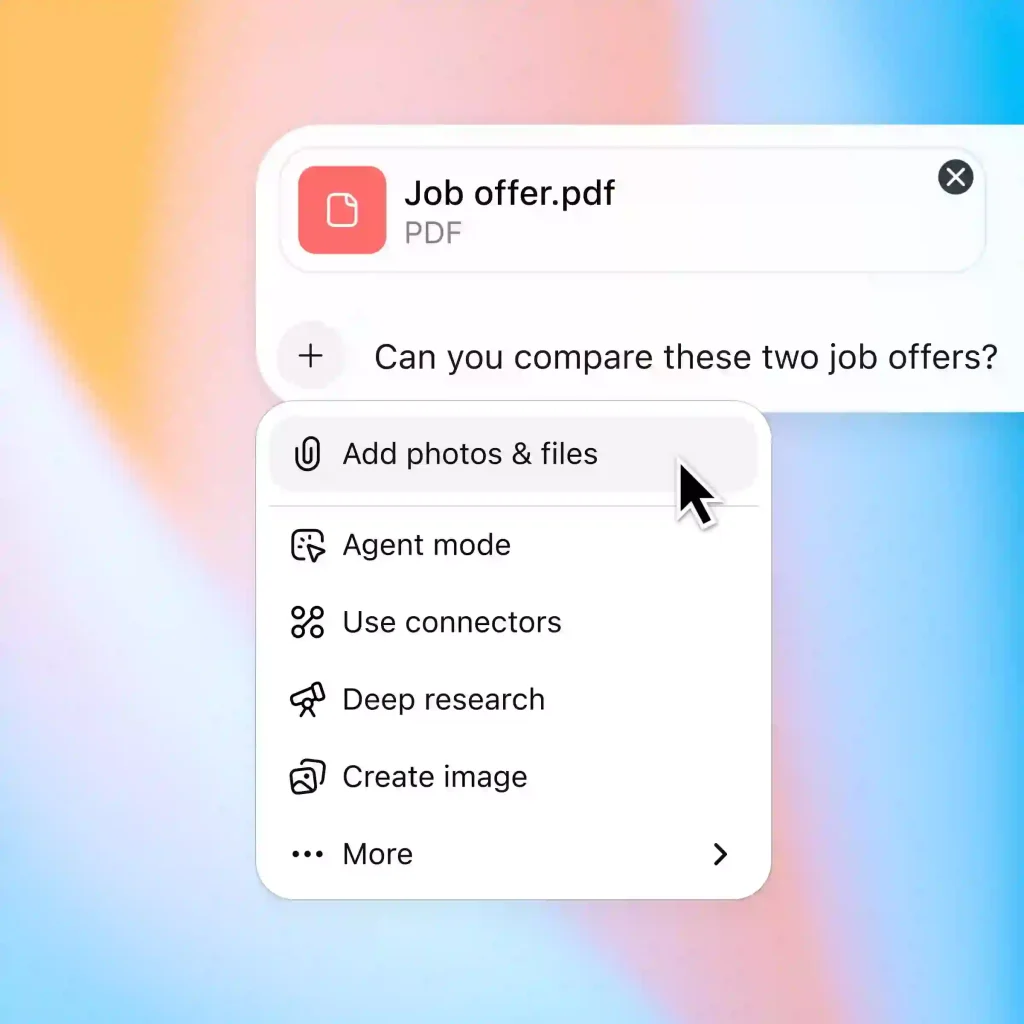
- Click the attachment button beside the message box.
- Select your PDF file.
- Wait for the upload to finish.
- Enter a clear instruction describing what you want to extract.
File upload availability and limits can vary by account and product version.
Step 3: Generate a Structured Summary
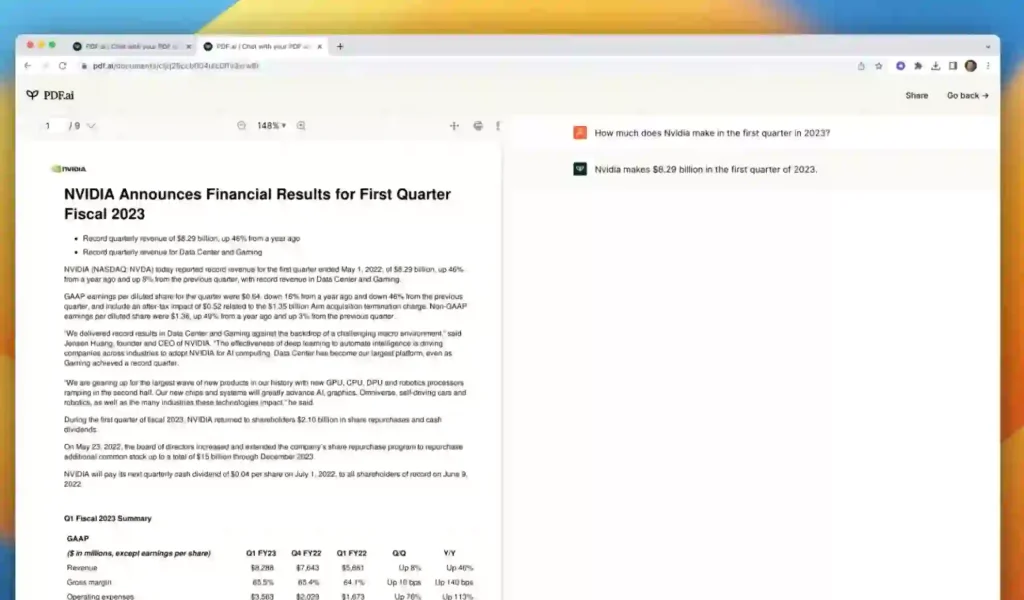
Rather than asking for a general overview, tell the AI exactly what information matters.
Try this prompt:
Act as a professional document analyst.

Read the uploaded PDF report and create a structured
summary.

Include:

1. The report's main purpose
2. The five most important findings
3. Important statistics and numerical data
4. Key conclusions and recommendations
5. Potential risks or limitations
6. Important page numbers for each major finding

Use clear, simple English.

Do not invent statistics or conclusions.
If information is missing or unclear, say so.
The page-number request is especially useful when you need to verify a finding in the original document.
Step 4: Extract Specific Information
You do not always need to summarize an entire report. Sometimes you only need a few figures, recommendations, or sections.
For example, if you are reviewing a technology industry report, ask:
Find all sections discussing artificial intelligence
and cloud computing.

For each section, provide:

- Main topic
- Important statistics
- Companies or technologies mentioned
- Key risks
- Original PDF page number

Do not include unrelated information.
This makes AI useful for targeted research rather than just shortening documents.
4. Combine YouTube and PDF Summaries for Research
One useful workflow is to combine information from different sources.
For example, you might have a YouTube presentation about a new technology and a PDF industry report discussing the same subject.
You can summarize each source separately, then compare the results.
Use this prompt after providing both summaries:
Compare the following YouTube video summary
and PDF report summary.

Identify:

1. Points where both sources agree
2. Important differences
3. Statistics or claims that need verification
4. Information mentioned in only one source
5. A combined summary of the topic

Keep the two sources clearly distinguished.
Do not treat an unsupported claim as a confirmed fact.
This method can help you understand a topic from multiple perspectives and identify information that deserves further investigation.
5. Tips for Getting More Accurate AI Summaries
AI summaries are useful, but they are not automatically reliable. A shorter answer does not always mean a better understanding of the source.
Follow these practices:
Use specific instructions. Tell the AI whether you want a beginner’s explanation, technical summary, list of statistics, or business-focused report.
Keep source references. Ask for timestamps in video summaries and page numbers in PDF summaries.
Process very long content in sections. Summarize each part first, then ask the AI to combine the section summaries. This reduces the risk of important details being overlooked.
Verify important numbers. Always check financial figures, dates, percentages, and technical specifications against the original source.
Separate facts from interpretation. Ask the AI to distinguish what the source actually states from its own explanation or analysis.
6. Common Mistakes and Troubleshooting
The AI Cannot Access a YouTube Video
Pasting a YouTube URL does not guarantee that an AI tool can watch or retrieve the video. Access depends on the tool, available integrations, video permissions, and transcript availability.
Solution: Open the transcript on YouTube and provide the text directly.
The PDF Upload Fails
Large files, unsupported formats, scanned pages, or account-specific upload limits can cause problems.
Solution: Reduce the PDF file size, split the document into smaller sections, or use OCR for scanned pages.
The Summary Misses Important Details
A general instruction may cause the AI to focus on broad themes while overlooking specific examples or figures.
Solution: Request a structured summary with separate sections for statistics, recommendations, examples, and limitations.
The AI Provides Incorrect Information
AI systems can misunderstand technical terms, misread tables, or generate details that do not appear in the original source.
Solution: Ask for supporting timestamps or page numbers, then compare important claims with the original material. If a reference cannot be verified, do not rely on it.
Final Thoughts
AI can turn long YouTube videos and PDF reports into searchable, organized summaries in a fraction of the time required for manual review.
For videos, start with a transcript and ask AI to extract the main ideas and timestamps. For PDF reports, upload the document and request structured findings, statistics, and page references.
The best results come from combining AI speed with your own judgment. Use summaries to find the information that matters, but return to the original source whenever accuracy is important.