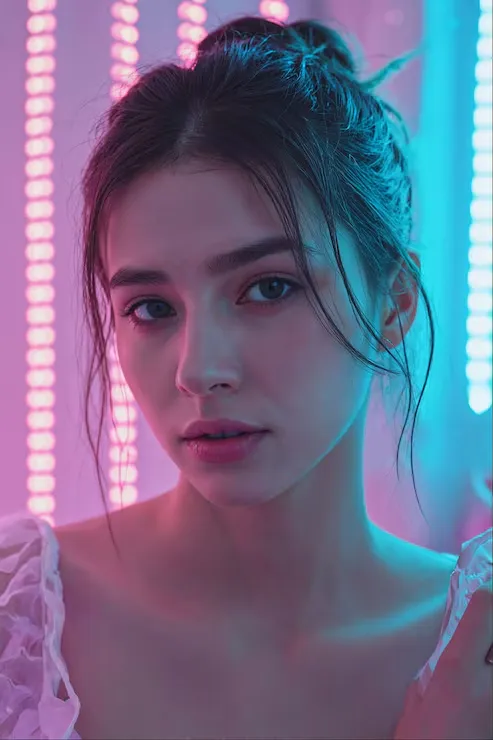
AI image generators have become surprisingly good at creating beautiful people. But there is still one problem that many users notice immediately: the image looks AI-generated.
The skin may be too smooth, the lighting may look artificial, the eyes may be unusually large, the face may be almost perfectly symmetrical, and the entire composition can feel more like a commercial photoshoot than an ordinary photo.
When I first started experimenting with AI-generated portraits, I made the same mistake as many beginners. I kept adding phrases such as “make it more realistic” or “make it look like a real person.” Sometimes the result changed slightly, but the artificial look usually remained.
The problem was not simply the image model. The prompt was too vague.
Instead of repeatedly asking for “more realism,” you can describe the small imperfections that normally appear in real smartphone photography: natural skin texture, uneven framing, subtle facial asymmetry, ordinary lighting, imperfect hair, casual expressions, and realistic hand positions.
In this guide, I’ll show you 20 prompt techniques that can help make AI-generated portraits feel more like everyday photographs.
Why Do AI Beauty Images Look Artificial?
Before changing your prompt, it helps to understand what creates the typical “AI look.”
Many image generators naturally tend to produce images that are:
- Extremely sharp
- Perfectly lit
- Highly symmetrical
- Smooth-skinned
- Professionally composed
- Carefully posed
- Visually polished
These characteristics look impressive, but they are not always what you see in an ordinary smartphone photo.
A real photo often contains small imperfections. The framing may be slightly tilted, the lighting may be uneven, the subject may not look directly at the camera, and the skin may contain pores, fine hairs, subtle redness, and natural shadows.
The goal is therefore not simply to tell the model to make the image “more realistic.”
You need to tell it what realistic means.
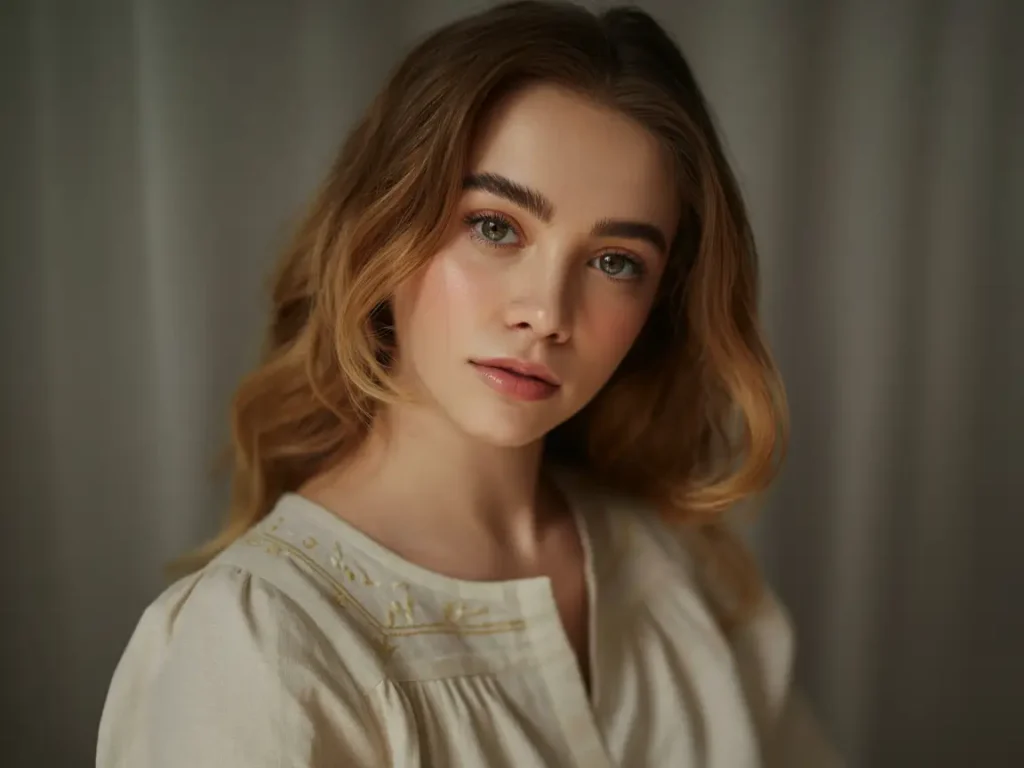
1. Start With a Real Smartphone Photography Style
One of the most useful additions is to establish the overall photographic context.
Prompt
Create a natural photograph that looks like it was taken with a smartphone of a real Japanese adult woman in her 20s, as if the person actually exists and the photo was captured naturally for social media.This gives the model a much clearer target than simply saying:
Make it more realistic.The important idea is to describe the image as an ordinary smartphone photograph, rather than a studio portrait.
2. Reduce the CG-Like Skin
AI-generated faces often have extremely smooth skin with a plastic or glossy appearance.
Prompt
Suppress the CG-like appearance, excessive beauty retouching, and unnatural skin gloss. Keep the skin realistic and natural.This tells the model that realistic skin does not need to look perfectly polished.
3. Avoid Perfect Skin
Perfect skin can actually make a person look less realistic.
Prompt
Keep the subject attractive while avoiding an overly perfect face and skin. Preserve a natural human appearance with subtle imperfections.The key is “subtle imperfections.”
You do not need to make the subject unattractive. You are simply preventing excessive digital perfection.
4. Avoid the Advertising Model Look
Professional advertising photography has a very recognizable appearance.
If you want something closer to a casual social-media photo, explicitly tell the model to avoid that style.
Prompt
Do not make her look like an advertising model. Make her look like an ordinary attractive person photographed casually in everyday life.This can reduce the overly polished appearance of AI portraits.
5. Ask for an Ordinary Social Media Photograph
Another useful instruction is to describe the final image as something that could naturally appear on social media.
Prompt
Avoid visual elements that make the image look AI-generated. Make it feel like a natural photograph that could realistically be posted on social media.This works particularly well when combined with smartphone photography and natural lighting.
6. Avoid High-End Camera Quality
Another common AI problem is that the image looks too technically perfect.
Prompt
Do not use the appearance of a high-end professional camera. Give the image the casual quality of an everyday smartphone photograph.This can reduce excessive sharpness and the polished appearance associated with professional photography.
7. Use Natural Existing Light
Lighting has a major effect on whether a portrait looks synthetic.
Prompt
Use only natural light coming through the window and the existing ambient lighting in the environment. Make the lighting blend naturally with the surroundings.Instead of adding dramatic studio lighting, this creates a more believable everyday environment.
8. Add Subtle Smartphone Imperfections
This is one of the more aggressive techniques for reducing the polished AI appearance.
Prompt
Preserve subtle signs of handheld smartphone photography, including slight motion, natural phone-camera noise, and a small amount of imperfect image resolution.The important word here is subtle.
If you deliberately add too much noise or blur, the image can simply look low quality rather than realistic.
9. Make the Composition Slightly Imperfect
AI models often create extremely balanced compositions.
Real people don’t always take perfectly centered photographs.
Prompt
Avoid an overly perfect composition. Use slightly uneven framing, a subtle tilt, and naturally unbalanced empty space, as if the photograph was taken casually.This is particularly useful for social-media-style portraits.
10. Avoid Posed Photography
A perfectly posed subject can immediately make an image look like a professional photoshoot.
Prompt
Do not use a deliberately posed photography posture. Make it look like a natural moment casually captured during everyday life.You can combine this with:
The subject should appear relaxed and unaware of the camera rather than deliberately posing for a photoshoot.The result should feel more spontaneous.
11. Keep Facial Structure Realistic
AI-generated faces can sometimes have subtle problems with facial proportions.
Prompt
Keep the facial contours, bone structure, eyes, eyebrows, nose, and lips realistic, anatomically coherent, and naturally balanced.This is especially useful when generating close-up portraits.
12. Avoid Oversized AI Eyes
Large eyes are one of the recognizable characteristics of some AI-generated portraits.
Prompt
Do not make the pupils or eyes excessively large. Preserve a natural amount of visible sclera, realistic asymmetry between the eyes, and natural eyelid thickness.The goal is not to make the eyes smaller than normal. It is to avoid exaggerated proportions.
13. Make the Smile Subtle
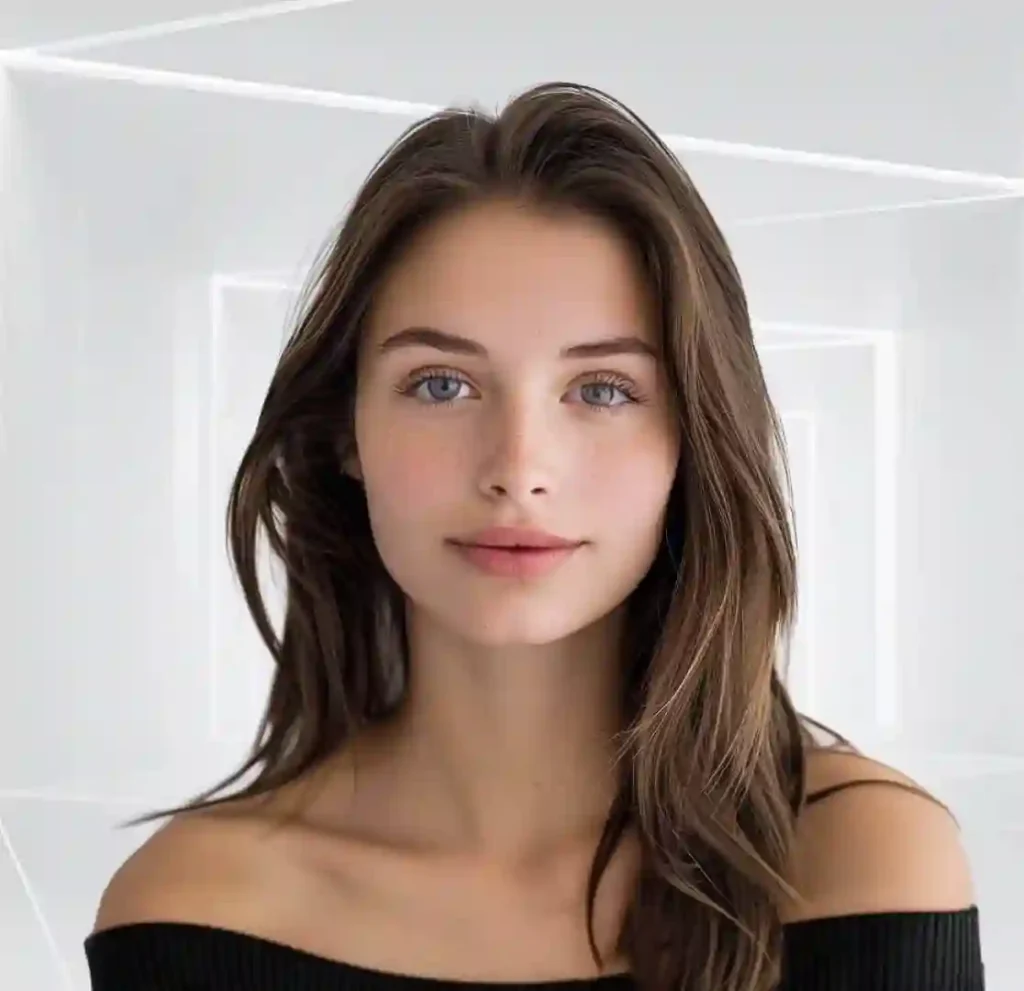
A perfectly symmetrical, wide smile can make a generated portrait feel artificial.
Prompt
Keep the smile subtle and natural. Move the corners of the mouth and eyes only slightly, as in a relaxed real-life expression.Small facial movements can make the expression feel much more believable.
14. Avoid Direct Eye Contact
A subject staring perfectly into the camera often feels deliberately posed.
Prompt
Do not have the subject stare directly into the camera. Let her gaze move slightly away from the lens in a natural, relaxed way.This simple change can make the photograph feel more candid.
15. Add Natural Facial Asymmetry
Human faces are not perfectly symmetrical.
Prompt
Preserve subtle natural asymmetry in the eyebrows, eye corners, and mouth. Avoid perfectly mirrored facial features or an overly symmetrical doll-like face.Keep this subtle. Excessive asymmetry can look unnatural in the opposite direction.
16. Preserve Realistic Skin Texture
Skin texture is one of the most important details when trying to avoid an AI-generated appearance.
Prompt
Do not make the skin uniformly smooth. Naturally preserve subtle pores, fine facial hair, slight redness, and realistic shadows while keeping the overall appearance clean and healthy.This is much more useful than simply saying “realistic skin.”
The model now has specific visual characteristics to reproduce.
17. Pay Special Attention to Hands and Fingers
Hands remain a difficult area for image generators, particularly when the subject is holding a phone or another object.
Prompt
Make the hands and fingers anatomically realistic, with natural numbers, proportions, joints, lengths, and overlapping positions. Make the way the subject holds the smartphone physically believable.When hands are visible, this instruction is worth adding.
You can also specifically ask the model to check the hand anatomy before generating the final image.
18. Keep the Subject Attractive but Believable
You do not need to remove beauty from the image to make it realistic.
Prompt
Maintain a clean, pleasant, friendly, and attractive appearance, but prioritize the kind of natural beauty that could realistically exist in everyday life.This creates a useful balance between attractive and believable.
19. Make the Hair Less Perfect
AI-generated hair can look like thousands of perfectly arranged strands.
Real hair usually has loose strands, uneven sections, and small flyaways.
Prompt
Do not make every strand of hair perfectly uniform. Naturally preserve loose hairs, flyaways, uneven strands, and variations between different sections of the hair.This small detail can make portraits feel significantly less synthetic.
20. Give Realism Priority Over Perfection
Finally, you can use a broader instruction to reinforce all of the previous choices.
Prompt
Keep the subject highly attractive while prioritizing realism, everyday life, natural human imperfections, and believable photography over visual perfection.This works particularly well as the final sentence of a longer prompt.
You Don’t Need All 20 Prompts
One of the biggest mistakes is simply pasting all 20 instructions into every image prompt.
More instructions do not automatically mean a better image.
In fact, too many constraints can sometimes create conflicting instructions and make the result less predictable.
Start with just three.
Recommended Starting Combination
Create a natural photograph that looks like it was taken with a smartphone of a real Japanese adult woman in her 20s, as if the person actually exists and the photo was captured naturally for social media.

Do not make the skin uniformly smooth. Naturally preserve subtle pores, fine facial hair, slight redness, and realistic shadows while keeping the overall appearance clean and healthy.

Keep the subject highly attractive while prioritizing realism, everyday life, natural human imperfections, and believable photography over visual perfection.
These three instructions cover three important layers:
① Photography style
Smartphone + everyday social media photograph.
⑯ Skin texture
Pores, fine hair, redness, and natural shadows.
⑳ Overall priority
Realism and natural imperfections instead of visual perfection.
That is a much better starting point than repeatedly adding:
Make it more realistic.How to Build a More Realistic AI Portrait Step by Step

Instead of changing everything at once, use a simple workflow.
Step 1: Create the basic portrait
Start with the subject, clothing, environment, pose, and overall composition.
Step 2: Add smartphone photography
Add the instruction about an everyday smartphone photograph.
Step 3: Fix the skin
Add realistic pores, fine hairs, subtle redness, and natural shadows.
Step 4: Fix the expression
Use a subtle smile, relaxed eyes, and a slightly off-camera gaze.
Step 5: Add natural imperfections
Introduce slight framing imperfections, flyaway hair, subtle asymmetry, and realistic camera characteristics.
Step 6: Check hands and facial proportions
If hands or close-up facial features look strange, add specific instructions rather than rewriting the entire prompt.
Step 7: Reduce excessive perfection
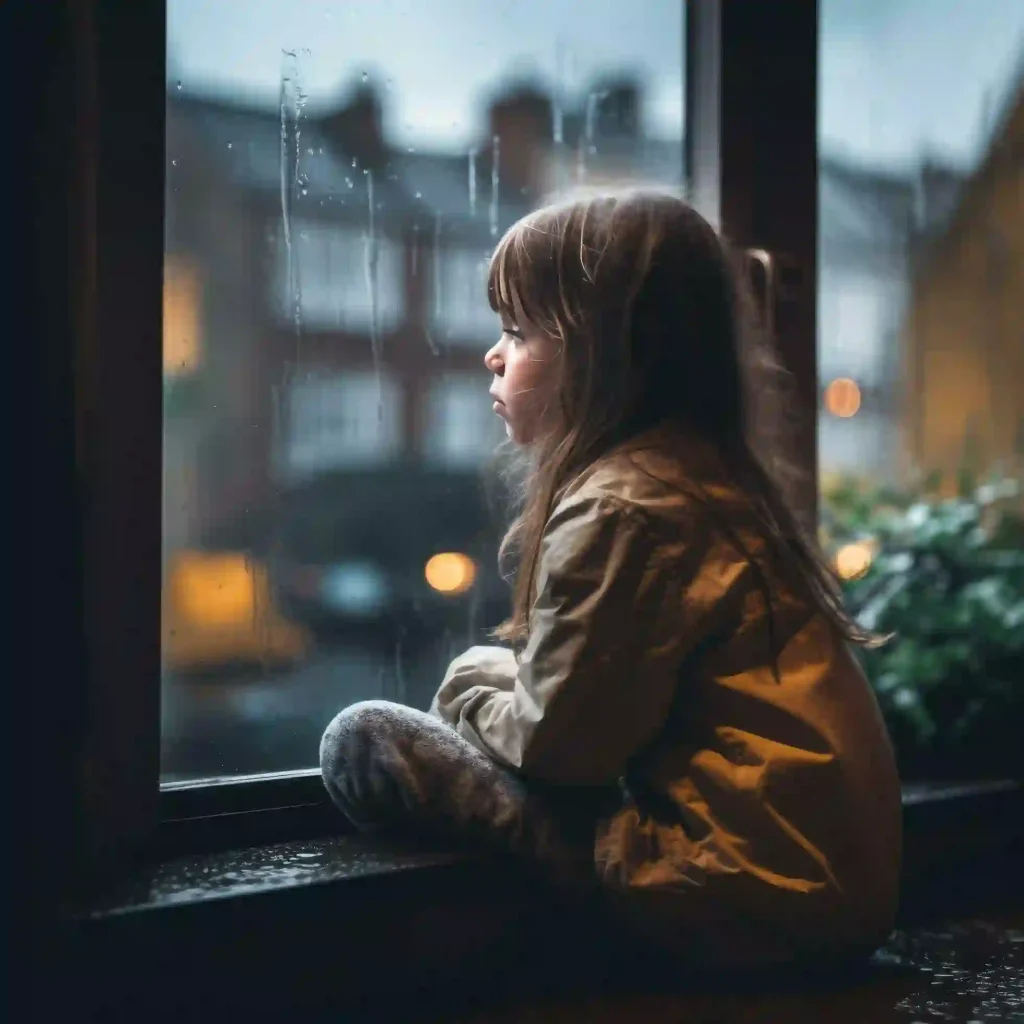
Finish with an instruction that prioritizes believable realism over perfect beauty.
This approach is usually easier to control than putting every possible realism instruction into the first prompt.
Common Mistake or Troubleshooting
Mistake 1: Only Saying “Make It More Realistic”
This is too vague.
Instead, describe what realism means:
Natural smartphone photography, subtle skin texture, slight facial asymmetry, imperfect framing, natural lighting, and a relaxed expression.Mistake 2: Adding Too Many Negative Instructions
A prompt filled with “don’t,” “avoid,” and “no” can become confusing.
Start with three or four important instructions and add more only when you see a specific problem.
Mistake 3: Making the Image Too Imperfect
Realism does not mean making the photograph blurry, noisy, poorly exposed, or badly composed.
The goal is natural imperfection, not low quality.
Mistake 4: Making Every Detail Perfect
Perfect skin, perfect hair, perfect symmetry, perfect lighting, and perfect composition can combine into the exact AI look you are trying to remove.
A better approach is to keep the subject attractive while allowing small variations.
Mistake 5: Changing Everything at Once
If the first image has strange skin, change the skin instructions.
If the composition looks too professional, change the photography instructions.
If the eyes look artificial, adjust the eye instructions.
Changing one problem at a time makes it much easier to understand which prompt actually improved the result.
The Real Trick Is Specificity
The biggest lesson is simple: don’t ask AI to “be more realistic.” Tell it what a realistic photograph actually looks like.
A believable AI portrait usually comes from many small details working together: ordinary smartphone quality, natural lighting, realistic skin texture, subtle facial asymmetry, imperfect framing, relaxed expressions, imperfect hair, and believable body language.
You do not need to use all 20 techniques every time.
Start with these three:
Natural smartphone photography that looks like a real social media photo.

Preserve subtle pores, fine facial hair, slight redness, and natural skin shadows.

Prioritize realism, everyday life, and natural human imperfections over visual perfection.
Then look at the result and identify the specific element that still looks artificial.
That is the point where a good prompt becomes much more powerful than simply asking for “more realism.”