What if you could study computer science, mathematics, physics, economics, or engineering using materials published by one of the world’s leading universities—without paying tuition?
That opportunity already exists. MIT OpenCourseWare (OCW) provides free access to teaching materials from more than 2,500 MIT courses. Depending on the course, you may find lecture notes, assignments, exams, reading lists, and full video lectures.
The reason many people miss this opportunity is simple: free course materials are not the same as enrolling in a university. You still need to choose a course, organize your study time, complete the exercises, and check your own progress.
Here are nine MIT learning resources worth exploring, along with practical steps for using them.
1. MIT OpenCourseWare: Start With Complete Course Materials
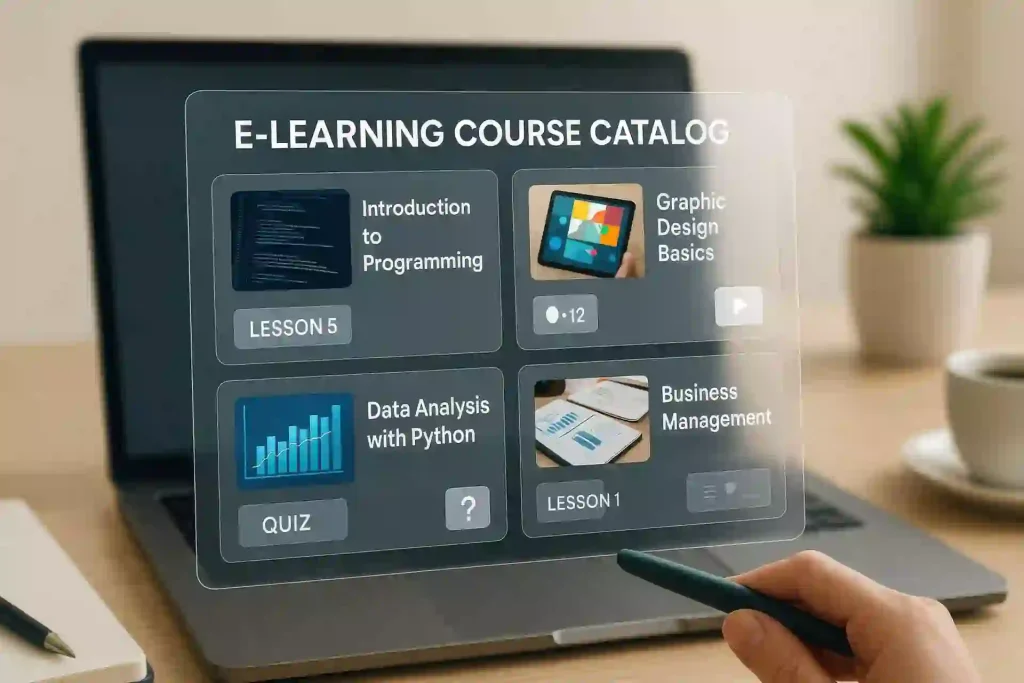
Website: MIT OpenCourseWare
MIT OCW is the best starting point for independent learners. You can browse thousands of courses across science, technology, engineering, mathematics, business, humanities, and social sciences without registering or enrolling.
Depending on the course, materials may include:
- Course syllabi and lecture notes
- Problem sets and selected solutions
- Exams and answer keys
- Recommended readings and textbooks
- Recorded lectures and supplementary resources
Not every course includes every item, so check the course page before building your study plan.
Five courses worth exploring
- Introduction to Computer Science and Programming Using Python (6.0001): A starting point for programming fundamentals.
- Mathematics for Computer Science (6.042J): Useful for logic, proofs, discrete mathematics, and computer science foundations.
- Introduction to Algorithms (6.006): Covers algorithmic thinking and fundamental data structures.
- Blockchain and Money (15.S12): Explores blockchain technology, cryptocurrencies, and financial systems.
- How to Speak (RES.TLL-005): A practical resource for improving presentations and public speaking.
To begin, open the OCW website, search for a course title or course number, and review its prerequisites and syllabus. Download the available materials and follow the lectures in order.
2. MIT OpenCourseWare on YouTube

Website: MIT OCW on YouTube
If you learn better by watching lectures than by reading PDFs, the official YouTube channel is an excellent option. It provides access to lecture recordings and selected course series, including material from mathematics, physics, computer science, and engineering.
For example, learners can explore Walter Lewin’s physics lectures and Gilbert Strang’s linear algebra teaching.
How to use the video library
- Open the official channel.
- Search for a subject, professor, or course title.
- Look for a complete playlist rather than watching isolated clips.
- Keep the corresponding syllabus or lecture notes open while watching.
- Pause before worked examples and attempt the problem yourself.
YouTube is convenient for reviewing difficult concepts, but watching lectures alone is not enough. Solving problems is an important part of learning technical subjects.
3. MIT Learn: Find the Right Learning Path

Website: MIT Learn
MIT Learn brings together pathways to MIT’s lifelong-learning opportunities. It can help learners discover relevant resources instead of searching several separate platforms manually.
Start by identifying your goal. For example, you might want to learn Python, understand machine learning, strengthen your mathematics, or explore business management.
Search for that topic and compare the available learning options. Some resources are self-guided course materials, while others belong to structured online programs.
Use MIT Learn as a discovery tool, then check the destination course’s requirements, format, and costs before committing to a study plan.
4. MITx Online: Structured Courses With Optional Paid Certificates
Website: MITx Online
MITx Online offers a more structured learning experience than a collection of lecture notes. Many courses provide a free audit option, allowing learners to study without purchasing a certificate.
The exact features depend on the course and enrollment track. Free learners generally have access to course materials and practice activities, while some graded assessments or final exams may be restricted.
How to start for free
- Find a course that matches your interests.
- Review its prerequisites and enrollment options.
- Select the free audit track if available.
- Check which assignments, assessments, and materials are included.
- Upgrade only if you decide that a verified certificate is worth the fee.
A certificate is not the same as a university degree, and it is not automatically a guarantee of employment. For learners who primarily want knowledge, the free audit option may be sufficient.
5. MIT Open Learning Library: Learn Through Interactive Exercises
Website: MIT Open Learning Library
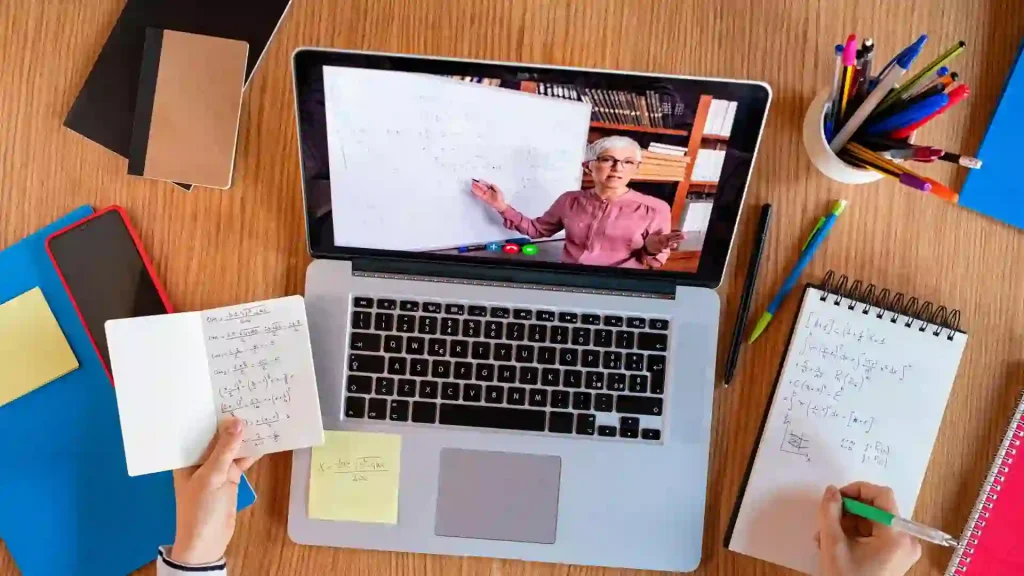
The Open Learning Library offers selected MIT course materials in an interactive format. Depending on the course, learners can work through structured lessons, answer automatically graded questions, and receive immediate feedback.
This makes it useful when lecture notes alone are not enough.
For example, you might read a lesson about algorithms, answer a question, review the feedback, and repeat the exercise until you understand the underlying idea.
You can explore the materials without enrolling. Creating a free account allows you to track progress where supported.
The library does not provide an MIT degree or course certificate. Think of it as a self-paced learning tool rather than a replacement for formal enrollment.
6. MIT Resources for High School-Level Learning
Website: MIT OpenCourseWare
Students preparing for advanced mathematics and science can use OCW to explore material beyond their regular classroom lessons.
Search for introductory calculus, physics, chemistry, or biology resources. Review the syllabus first to determine whether the material matches your current level.
A useful approach is to study one topic at a time: review the lecture notes, attempt the exercises, and check the solutions when they are available.
Some former MIT Highlights for High School resources have been migrated to OCW, although the original high school initiative has ended. Search the current OCW collection rather than relying on an outdated standalone site.
Parents and teachers can also use these materials to supplement existing lessons. Students should still follow their school’s curriculum and exam requirements.
7. Chalk Radio: Learn How MIT Professors Teach
Website: MIT Open Learning
Chalk Radio is an MIT OpenCourseWare podcast featuring conversations about teaching and learning. Episodes explore how educators design courses, explain challenging concepts, and engage students.
It is particularly useful for teachers, education professionals, and curious learners who want to understand the thinking behind effective instruction.
Search for Chalk Radio on a supported podcast platform or follow the links from MIT’s official Open Learning website.
You can listen to episodes during routine activities when it is safe to do so. If you are driving, keep your attention on the road and avoid interacting with a screen.
8. Understand MIT OpenCourseWare’s Creative Commons Licensing
MIT OCW is more than a free reading library. Its openly licensed materials can often be reused and adapted, subject to the specific license and attribution requirements.
This is valuable for educators who want to prepare lessons, students who want to organize study notes, and creators who want to explain academic concepts in their own words.
However, free access does not mean that every item can be reused without restrictions. Individual materials may have different licensing conditions, and third-party content may be excluded from the general license.
Before republishing or adapting a resource:
- Check the license information on the course or resource page.
- Follow the required attribution rules.
- Verify whether commercial use and modifications are permitted.
- Check the rights for any images, videos, or third-party materials separately.
When in doubt, use MIT’s official licensing guidance rather than assuming that everything online is free to redistribute.
9. Explore Courses Beyond Computer Science
It is easy to focus on MIT’s well-known programming and engineering courses, but the collection covers much more.
Try searching for:
- The Film Experience (21L.011): Film and media analysis.
- ChemLab Boot Camp (RES.HS-003): Chemistry-related teaching resources.
- The History of MIT (STS.050): Historical and institutional perspectives.
- Nuclear Systems Design Project (22.033): Advanced engineering material.
- Blockchain and Money (15.S12): Technology, finance, and policy.
Course availability and included materials can vary, so use the official OCW search to confirm current listings.
Exploring an unfamiliar subject can also help you discover connections between technical knowledge, communication, business, and the wider world.
A Simple Four-Step Plan for Self-Learners
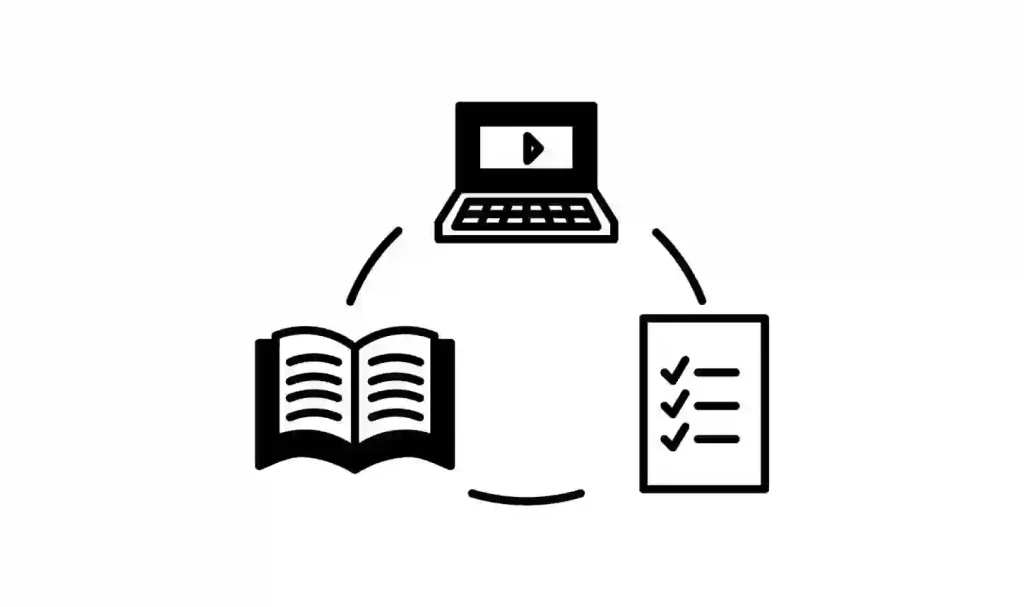
You do not need to study every available course. Start with one clear objective and a realistic schedule.
- Choose one subject. Pick a skill you need for work or a topic you genuinely want to understand.
- Read the syllabus. Check prerequisites and identify the first few lessons.
- Study actively. Watch lectures, take notes, and solve the available problem sets before viewing solutions.
- Review your progress. At the end of each week, explain what you learned and revisit concepts you cannot yet apply.
Common Mistakes and Troubleshooting
Mistake 1: Watching lectures without doing exercises. Pause regularly and solve problems independently. Understanding an explanation is not the same as being able to apply it.
Mistake 2: Starting with advanced material too soon. Review prerequisites and build a foundation before moving to graduate-level courses.
Mistake 3: Expecting a certificate or degree. OCW materials are free learning resources, not university enrollment. If you need a credential, check the available MITx or other formal program options.
Mistake 4: Assuming every resource is completely free to reuse. Learning materials may be free to access while still having specific copyright and licensing conditions.
MIT’s open learning resources make high-quality educational materials accessible to people who cannot attend classes on campus. They do not replace every benefit of university study, but they offer a practical way to build knowledge at your own pace.
Start at MIT OpenCourseWare, choose one course, and complete the first lesson this week. A consistent learning habit is more useful than collecting dozens of course links you never open.