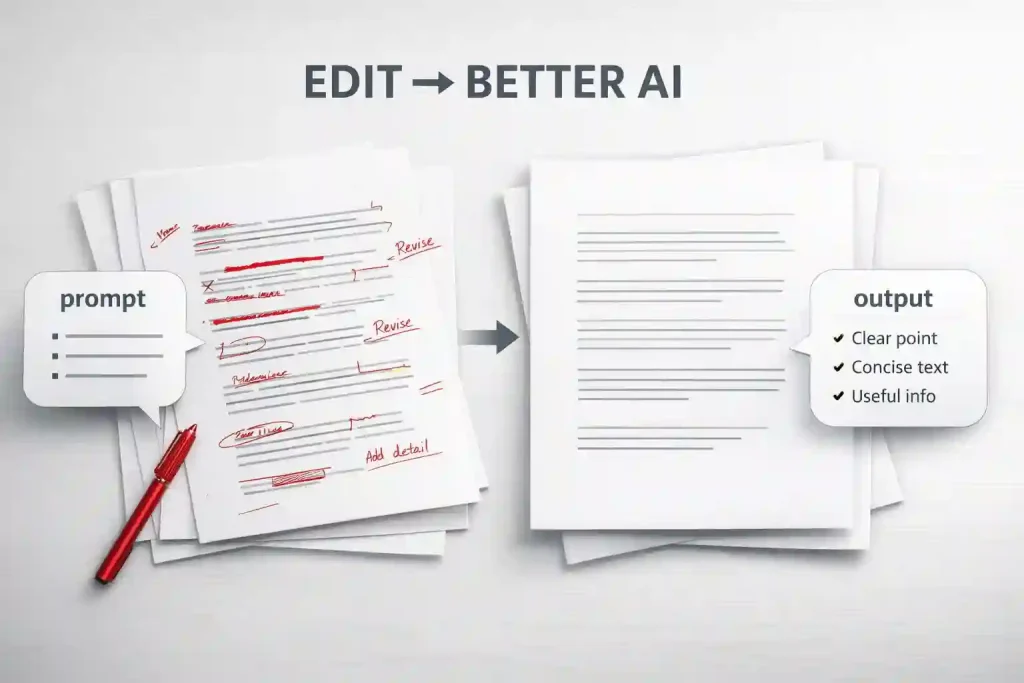
Have you ever generated an article with ChatGPT, read it back, and noticed that every paragraph sounds strangely similar? The sentences are grammatically correct, the headings are neatly organized, and the transitions make sense. Yet the writing feels generic, as if nobody with real experience actually wrote it.
This is a common problem for bloggers, developers, students, and content creators who use AI writing tools. The issue is not necessarily that an AI detector can identify every sentence. Instead, AI-generated drafts often contain predictable structures, repeated phrases, broad claims, and a lack of specific details.
I have seen this problem in technical content: an article can explain a process correctly but still feel unconvincing because it never mentions a realistic example, a limitation, or a mistake someone might actually encounter.
The solution is not to chase a supposedly perfect AI detector score. Detection tools can produce false positives, and no prompt can guarantee that a piece of writing will be classified as human-written. A better approach is to use ChatGPT as an editor, improve the substance of the draft, and make sure the final article reflects genuine knowledge and judgment.
Here are eight practical prompts you can save and reuse.
Why ChatGPT Writing Can Sound Artificial
AI writing tools are designed to generate plausible language based on patterns. Without clear instructions, they may favor safe explanations, predictable introductions, evenly structured paragraphs, and repeated transition phrases.
Common warning signs include:
- Repeating the same idea in several paragraphs.
- Using generic introductions that could fit almost any topic.
- Making confident claims without evidence or examples.
- Giving every section the same rhythm and structure.
- Using formal language when a simple explanation would be clearer.
These characteristics do not prove that a text was written by AI. Human writers can use them, too. The goal is to make the writing more specific, useful, and appropriate for its audience.
Step 1: Use a Professional Editing Prompt
Start by asking ChatGPT to edit the draft rather than simply rewrite every sentence. Give it clear goals and tell it to preserve information that is already accurate.
Prompt 1: Professional AI Writing Editor
Act as an experienced professional editor. Revise the
following draft to make it clear, natural, and easy to read.

Remove unnecessary repetition, stiff wording, and generic
transitions. Preserve the original meaning and all verified
facts. Do not invent examples, statistics, or personal
experiences.

Flag claims that need evidence instead of silently changing
their meaning.

Target audience: [describe the audience]
Text: [paste your draft]
This prompt is useful for blog posts, tutorials, newsletters, and professional documents. It improves readability without encouraging the model to disguise the origin of the text.
Step 2: Give the Writing a Clear Point of View

A draft often feels generic because it has no defined audience or purpose. An article for a beginner should not sound like documentation written for a senior engineer.
Prompt 2: Confident, Experienced Writing
Revise this draft for a reader who wants practical,
reliable advice.

Use a confident but measured tone. Replace vague statements
with specific explanations wherever the source provides
enough information. Keep technical terms when they are
necessary, and explain unfamiliar terms briefly.

Do not invent expertise, credentials, personal stories,
or results. Preserve important qualifications.

Text: [paste your draft]
The important detail is the audience. “Experienced writing” does not mean adding complicated vocabulary. It means explaining the subject with precision and avoiding unnecessary filler.
Step 3: Remove Repetitive AI-Style Patterns
Some drafts repeat a point in the introduction, the body, and the conclusion without adding new information. Editing those repetitions often improves the article more than changing individual words.
Prompt 3: Repetition and Structure Review
Review the following text for repetitive ideas, predictable
paragraph patterns, empty transitions, and unnecessary
summaries.

Identify passages that repeat information without adding
value. Rewrite or remove them where appropriate, while
preserving essential explanations and technical details.

Do not change wording merely to make the text different.
Prioritize clarity, accuracy, and usefulness.

Text: [paste your draft]
Use this prompt after generating the first draft. It is particularly useful for long tutorials where several sections may explain the same benefit.
Step 4: Make Explanations More Conversational
Conversational writing can make technical subjects easier to understand, especially when the reader is troubleshooting a problem.
Prompt 4: Explain It Like an Expert Helping a Friend
Rewrite this explanation as if a knowledgeable professional
were helping a colleague understand the subject.

Use natural, straightforward language and short explanations
where possible. Keep the technical details accurate.
Avoid forced jokes, slang, exaggerated enthusiasm, and
unnecessary rhetorical questions.

Text: [paste your draft]
For example, instead of saying, “It is important to note that image optimization can significantly improve website performance,” a more direct version might be, “Large images can slow down a page, so resize and compress them before uploading.”
The second version gets to the point and gives the reader a clearer reason to act.
Step 5: Add Appropriate Human Context
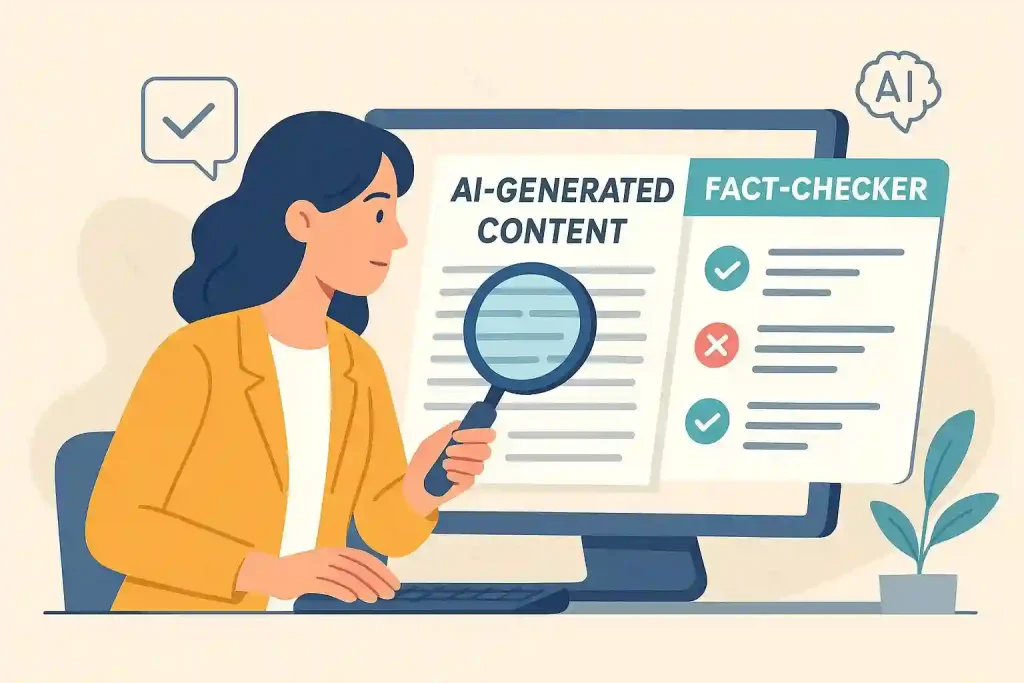
Natural writing often includes relevant context: why a problem occurs, when a method works, and what can go wrong. However, AI should not fabricate personal experiences to make an article sound authentic.
Prompt 5: Improve Context and Readability
Review this draft and identify places where readers need
more context, a concrete example, a limitation, or a practical
warning.

Suggest additions only when they can be supported by the
provided material or reliable evidence. Mark missing facts
that require verification. Do not invent personal anecdotes
or claim that I tested something I have not tested.

Text: [paste your draft]
For a WordPress tutorial, this might mean explaining what happens when a compression setting is too aggressive or why a backup is necessary before changing existing media files.
If you have actually tested the procedure, add your own observations and screenshots. Those details are more valuable than fabricated first-person storytelling.
Step 6: Simplify Complicated Language
Technical articles often become harder to read when the writer uses too many abstract terms. Simpler language can improve comprehension without sacrificing accuracy.
Prompt 6: Clear and Concise Language
Edit this text for clarity and conciseness.

Replace unnecessary jargon with familiar words, shorten
overly complicated sentences, and remove filler phrases.
Keep technical terms that readers need to understand the
topic. Preserve all important conditions, warnings, and facts.

Target reading level: general adult readers.
Text: [paste your draft]
Do not simplify every sentence indiscriminately. A technical term such as “lossless compression” should remain when it conveys a precise meaning that ordinary wording cannot replace.
Step 7: Improve Sentence Rhythm Without Forcing Variation
A page filled with identical sentence structures can feel monotonous. But deliberately alternating short and long sentences in every paragraph creates another artificial pattern.
Prompt 7: Rhythm and Flow Editor
Edit the following draft to improve sentence rhythm and
paragraph flow.

Vary sentence length where it improves readability. Combine
fragmented ideas when necessary, and split sentences that
contain too many points. Improve transitions without adding
filler or changing the author's meaning.

Keep the tone consistent with the intended audience.
Text: [paste your draft]
Read the result aloud. If a sentence is difficult to say naturally, it may also be difficult for readers to follow. Your own judgment matters more than a mechanical rule about sentence length.
Step 8: Run a Final Editorial Review
The final pass should check more than tone. It should verify that the article is accurate, useful, and consistent.
Prompt 8: Final Quality Review
Act as a final editor reviewing this article before publication.

Check:
1. Factual accuracy and unsupported claims.
2. Repetition, clarity, grammar, and transitions.
3. Whether the article answers the reader's main question.
4. Whether examples and instructions are specific and useful.
5. Whether limitations and potential risks are explained.
6. Whether any statement falsely implies personal testing
   or first-hand experience.

List issues that require verification. Then provide a polished
revision that preserves the author's meaning and voice.

Do not promise or optimize for a particular AI detector score.
Text: [paste your draft]
This final review helps catch problems that a simple rewrite may overlook, including unsupported claims and instructions that are incomplete.
Common Mistakes and Troubleshooting
Mistake 1: Using All Eight Prompts on Every Draft
Running the same article through eight complete rewrites can introduce new errors, remove useful details, and waste time. Use the prompts selectively: structure first, clarity second, and a final accuracy review before publication.
Mistake 2: Trusting AI Detection Scores
AI detectors estimate whether text resembles patterns associated with machine-generated writing. Their results are not definitive proof of authorship. Do not keep rewriting accurate content simply because a detector gives it a high score.
Mistake 3: Adding Fake Personal Experiences
Statements such as “I tested this method on ten websites” should only appear when that testing actually happened. False experience claims undermine trust and can mislead readers.
Mistake 4: Focusing on Style Instead of Substance
Changing vocabulary does not make a weak article valuable. Add accurate examples, tested procedures, original screenshots, useful comparisons, and relevant limitations. For technical blogs, these elements help readers solve real problems.
Mistake 5: Publishing Without Checking the Final Draft
Always review the finished article yourself. Verify facts, test commands, check links, and make sure the content matches what the page promises.
A Better Workflow for AI-Assisted Writing
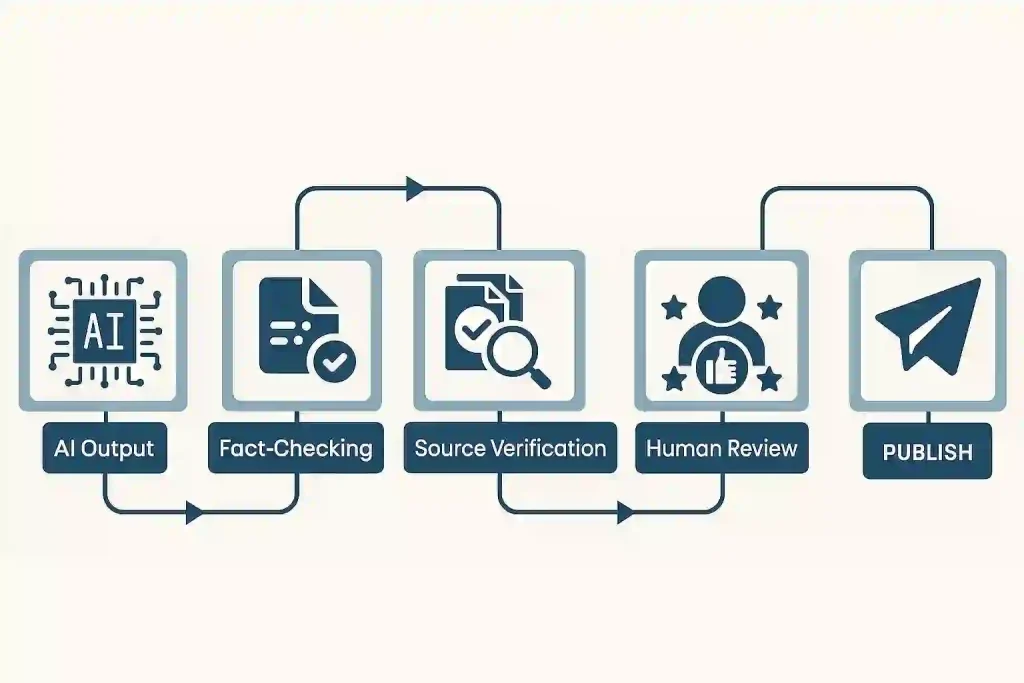
Start with a clear outline and reliable source material. Generate a first draft, remove repetition, improve the language, and add details from your own research or testing. Finish with a factual review and a human editorial pass.
For website owners, the goal should be to publish content that genuinely helps readers, not merely content that receives a favorable score from a detection tool. A useful article can be written with AI assistance, by a human, or through a combination of both. What matters most is whether it is accurate, original in its contribution, transparent about its limitations, and worth the reader’s time.