
Publishing a blog regularly sounds simple until you actually have to keep doing it.
When I first started managing a growing content site, I made the same mistake many bloggers make: I chose article topics one at a time. Whenever I had an idea, I wrote it down, turned it into a post, and moved on to the next one.
It worked for a while.
Then the problems started. I noticed that several articles covered almost the same topic. Some important subjects were never written because I forgot about them. Other posts were published too close together, while weeks went by without anything new.
The problem wasn’t a lack of ideas. It was a lack of planning.
An AI-powered content calendar can solve much of this problem. Instead of asking AI to randomly generate 50 blog topics, you can give it your niche, audience, existing content, publishing frequency, and goals. AI can then help organize those ideas into a practical schedule.
This guide shows how to build that system step by step.
What Is an AI-Powered Content Calendar?
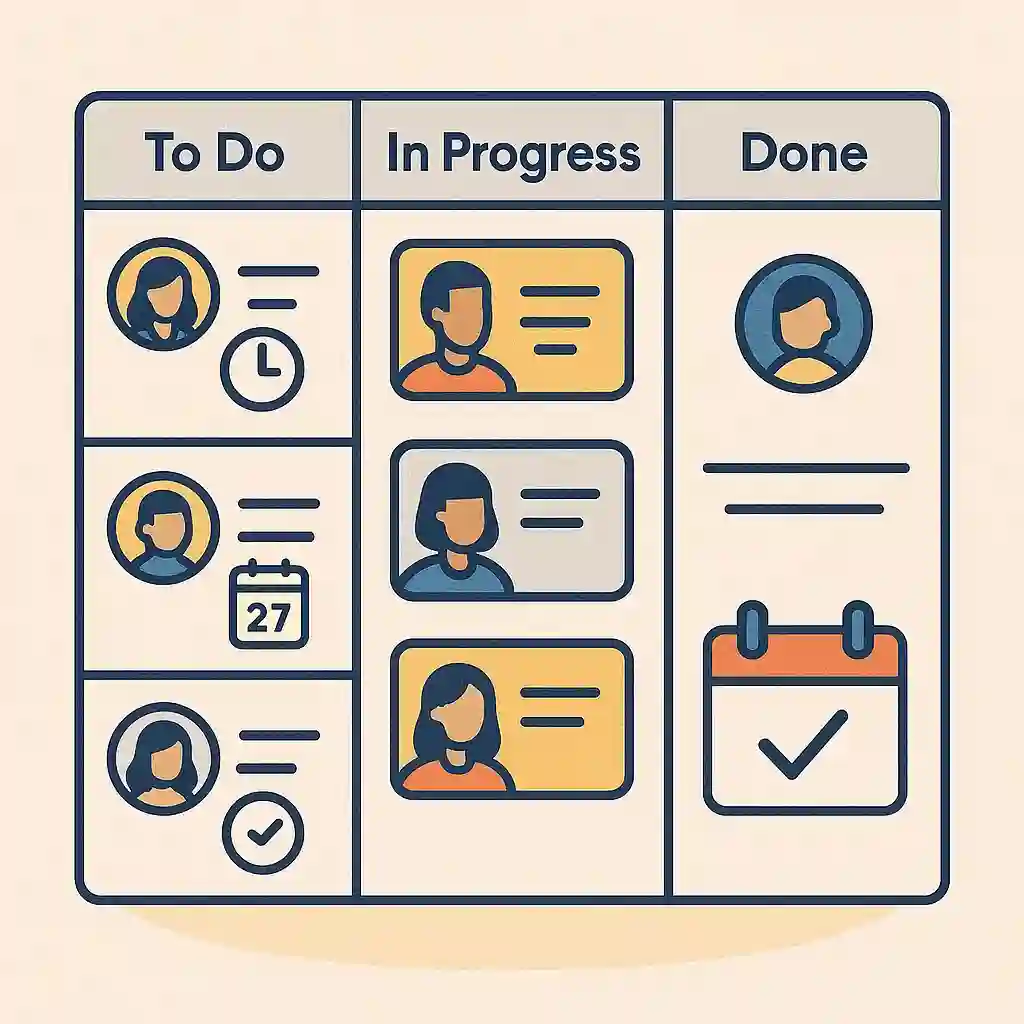
A content calendar is a structured plan that tells you what to publish, when to publish it, and why the article belongs in your overall content strategy.
An AI-powered version adds another layer.
Instead of maintaining a simple list such as:
Monday - Article A
Wednesday - Article B
Friday - Article C
you can organize information such as:
- Article title
- Primary keyword
- Search intent
- Content category
- Article type
- Target audience
- Publishing date
- Internal linking opportunities
- Content status
- Related articles
- Priority
AI can help generate ideas, identify gaps, group related topics, and turn the information into a workable publishing schedule.
You still make the final decisions. AI is the planning assistant, not the editor.
Step 1: Define Your Blog Before Asking AI for Ideas
The biggest mistake is starting with:
Give me 100 blog post ideas.That usually produces a long list, but not necessarily a useful content strategy.
Start by describing your website.
For example:
My website is an English technology blog for beginner and intermediate users.

Main categories:
- Windows
- Python
- AI
- Tools

Target readers:
People who want practical technology tutorials and productivity tips.

Publishing goal:
3 articles per week.

Content priorities:
- Search-friendly tutorials
- Practical problem-solving guides
- AI productivity tips
- Evergreen technology content

Avoid:
Duplicate topics, vague news articles, and topics that require unsupported claims.
The more specific your input, the more useful the resulting calendar becomes.
Step 2: Build a Topic Inventory
Before creating a schedule, collect possible topics.
Ask AI to organize ideas into categories rather than giving you one huge list.
Create a topic inventory for my technology blog.

For each topic, provide:
1. Proposed article title
2. Primary keyword
3. Search intent
4. Category
5. Content type
6. Suggested difficulty
7. Related topics that could become supporting articles

Group the topics into logical content clusters.

Prioritize evergreen topics over temporary trends.
Avoid near-duplicate article ideas.
This gives you the raw material for your calendar.
Why Content Clusters Matter
Suppose your website covers Windows.
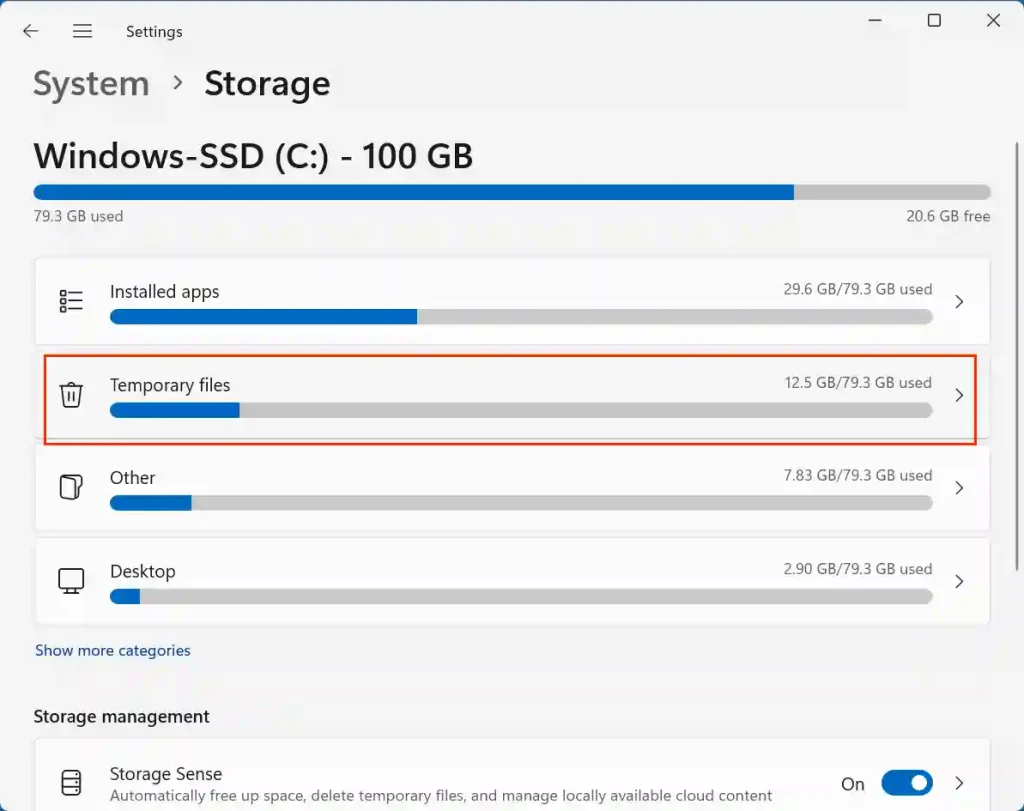
Instead of publishing unrelated Windows articles, you might build a cluster around Windows 11 storage management:
- How to Free Up Space in Windows 11
- How to Find Large Files in Windows 11
- How to Delete Temporary Files
- How to Move Large Files to Another Drive
- How to Create a Windows Backup
These articles can naturally link to one another.
That makes the calendar more useful than a simple list of random keywords.
Step 3: Add Your Existing Articles

This is one of the most important steps.
If your website already contains 100 articles, AI shouldn’t pretend the site is empty.
Export or copy your existing article titles into your working document or spreadsheet.
Then ask:
Here is a list of my existing blog posts.

Analyze these articles and identify:
1. Topics I already cover well
2. Topics that are closely related
3. Potential duplicate or overlapping topics
4. Important content gaps
5. Supporting articles I could create
6. Internal linking opportunities

Do not recommend an article simply because its keyword is slightly different from an existing article.
Focus on genuinely useful content gaps.
This helps prevent a common SEO problem: publishing several articles that all answer essentially the same question.
Step 4: Turn Topics Into a Publishing Schedule

Now give AI your publishing frequency.
For example:
Create a 12-week content calendar using the topic inventory.

Publishing frequency:
3 articles per week.

Schedule:
Monday = practical tutorial
Wednesday = AI or productivity topic
Friday = supporting or evergreen article

For every article include:
- Date
- Title
- Primary keyword
- Search intent
- Category
- Content type
- Related article for internal linking
- Priority
- Reason for publishing at this point in the calendar
You now have something much closer to a real editorial calendar.
The important part is that the schedule should have a reason behind it.
Don’t simply publish 36 topics in alphabetical order.
Step 5: Add Content Status
A calendar becomes much easier to manage when every article has a status.
Use a simple workflow:
Idea
↓
Planned
↓
Researching
↓
Writing
↓
Editing
↓
SEO Review
↓
Scheduled
↓
Published
You can manage this in Google Sheets, Excel, Notion, or another project-management tool.
A spreadsheet might contain columns such as:
Date | Title | Keyword | Category | Status | Internal Link | PriorityAI can also help convert a messy list into this structure.
Step 6: Use AI to Improve the Calendar Every Month
A content calendar shouldn’t be created once and forgotten.
At the end of each month, review what actually happened.
Give AI information such as:
- Articles published
- Articles delayed
- Search impressions
- Clicks
- Articles receiving traffic
- Topics that performed poorly
- New questions from readers
Then ask:
Review this month's content performance and compare it with my planned calendar.

Identify:
1. Topics that deserve follow-up articles
2. Content clusters that need supporting posts
3. Articles that may need updating
4. Planned topics that should be postponed
5. New content opportunities based on reader questions

Do not recommend changes based only on traffic volume. Consider search intent, content quality, relevance, and the age of each article.
This turns the calendar into a feedback system.
Step 7: Create a Repeatable AI Prompt
Once your workflow works, save your main prompt.
A reusable prompt might look like this:
Act as my content planning assistant.

Website niche:
[YOUR NICHE]

Target audience:
[YOUR AUDIENCE]

Publishing frequency:
[NUMBER] articles per week.

Main categories:
[CATEGORIES]

Content goals:
[GOALS]

Here is my existing content:
[PASTE CONTENT LIST]

Create a content calendar for the next [NUMBER] weeks.

For each proposed article, provide:
- Working title
- Primary keyword
- Search intent
- Category
- Content type
- Content cluster
- Internal linking opportunity
- Priority
- Suggested publishing date

Avoid duplicate or near-duplicate topics.

Prefer useful evergreen content and clear search intent.
Save this prompt somewhere you can access easily. Next month, you only need to update the content inventory and performance information.
Common Mistake or Troubleshooting
AI gives you too many similar topics
Tell it to compare every proposed topic against your existing articles and remove overlapping search intent.
Remove any proposed topic that substantially overlaps with an existing article.The calendar contains unrealistic deadlines
AI doesn’t know how long you personally need to research, write, edit, format, and publish an article.
Reduce the publishing frequency or add buffer days.
A two-article-per-week schedule that you can maintain is more useful than a seven-article schedule you abandon after two weeks.
Every article targets a different subject
Your calendar may look productive but lack structure.
Ask AI to organize topics into content clusters and schedule related articles close enough together to create internal linking opportunities.
AI keeps changing your strategy
Give it fixed rules.
For example:
Do not change my website categories or publishing strategy unless I explicitly ask you to.This keeps the AI focused on planning instead of constantly redesigning your website.
You rely entirely on AI-generated topics
AI can suggest ideas, but it doesn’t automatically know which topics are genuinely valuable for your audience.
Check search results, competitor coverage, your Search Console data, reader questions, and your own expertise before committing to an important topic.
A Simple Weekly Workflow
Once everything is set up, the process can be surprisingly simple.
Monday: Review the week’s planned topics and start the first article.
Wednesday: Publish or work on the second article while checking whether it creates useful internal links.
Friday: Publish the third article and review the following week’s schedule.
End of month: Compare your planned calendar with actual performance and adjust the next month.
The goal isn’t to let AI decide what your website publishes.
The goal is to remove repetitive planning work so you can spend more time researching, writing, editing, and improving the content itself.
A good AI-powered content calendar gives every article a place, a purpose, and a connection to the rest of your website. Once you combine your existing content, topic clusters, publishing schedule, and monthly performance data, AI becomes much more useful than a simple blog-topic generator.