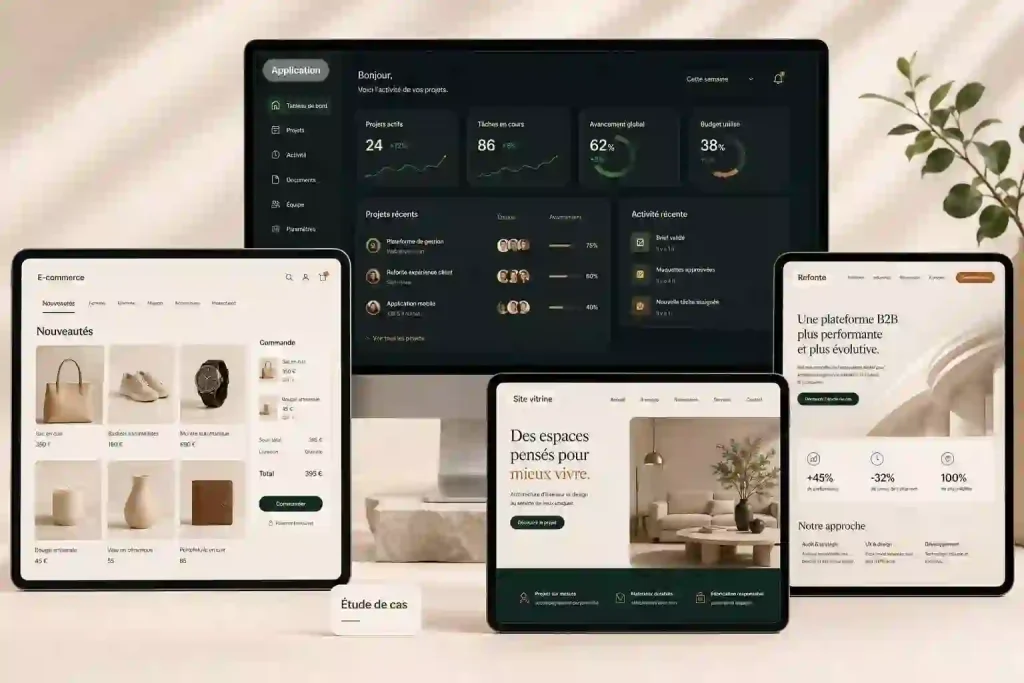
Designing a beautiful website layout is not always easy, especially when you are starting with a blank page. You may know the type of website you want to build, but choosing the right colors, spacing, typography, and content structure can take hours.
This problem often appears during the early stages of web design. A developer might have a clear idea for a landing page but struggle to turn that idea into a visual direction. Creating several layouts manually takes time, and searching through design galleries does not always produce something that matches the project.
Midjourney can help by generating website design concepts from text prompts. It is useful for exploring visual styles, page structures, and color combinations before building the actual website.
In this guide, you will learn how to use five practical Midjourney prompts to create website UI layout ideas, refine the results, and turn the best concepts into a workable design reference.
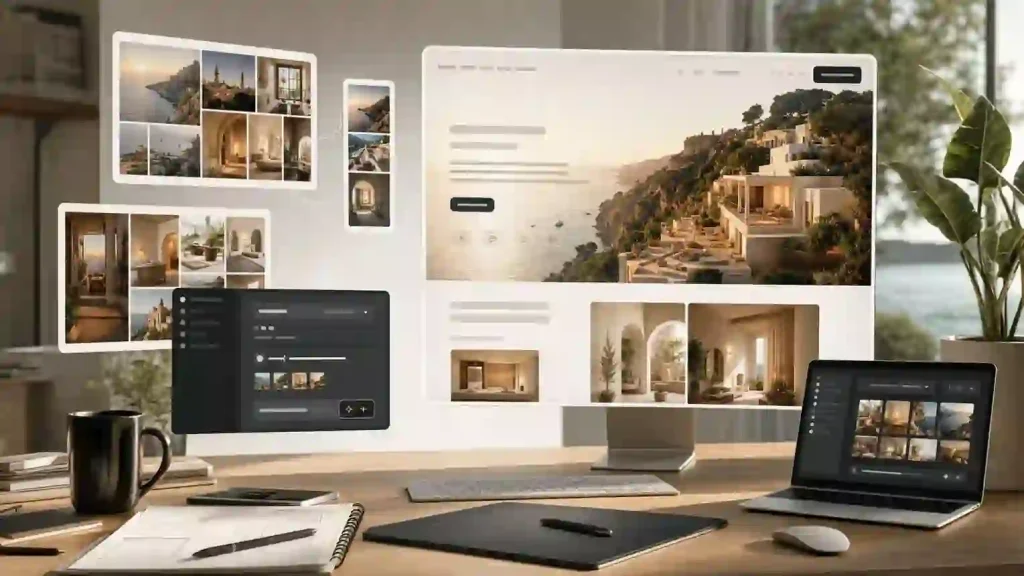
1. Prepare Midjourney for Website UI Design
Before writing prompts, decide what kind of website you want to create. A SaaS landing page, online store, portfolio, and analytics dashboard all need different layouts.
For better results, describe these five elements:
- Website type: Landing page, portfolio, online store, or dashboard.
- Layout: Navigation bar, hero section, content cards, sidebar, and footer.
- Visual style: Minimalist, modern, professional, editorial, or futuristic.
- Color palette: Neutral colors, dark backgrounds, or specific accent colors.
- Composition: Desktop website screenshot, mobile interface, or full-page concept.
How to Enter a Prompt
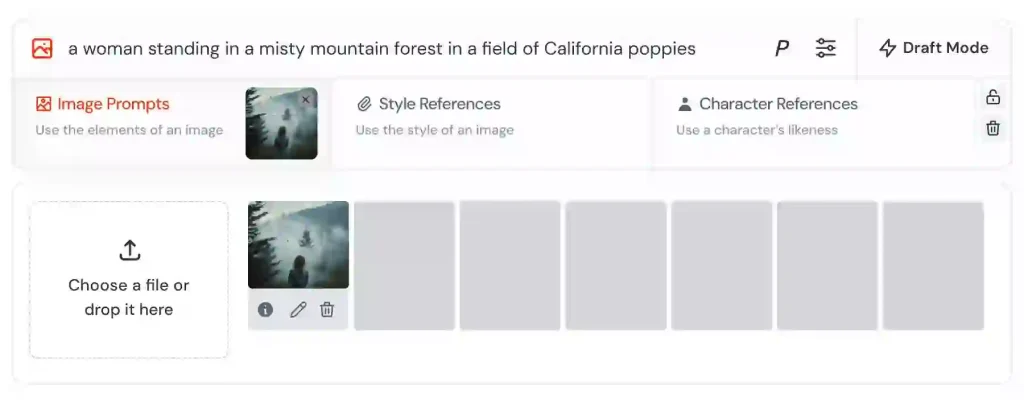
- Visit Midjourney and sign in.
- Open the Create page.
- Find the Imagine bar.
- Enter your prompt and submit it.
- Review the generated images and select a design direction you like.
You can also use Midjourney through its Discord workflow if that is how you normally create images. On the website, you can enter prompts directly in the Imagine bar.
For website concepts, a wide aspect ratio such as --ar 16:9 is a useful starting point because it provides room for a desktop-style layout.
2. Prompt 1: Create a Modern SaaS Landing Page
A SaaS landing page needs to explain a product quickly. It usually includes a navigation bar, a strong headline, a short description, a call-to-action button, and a product preview.
This prompt is useful when designing websites for AI tools, productivity software, cloud services, or subscription-based applications.
Copy This Midjourney Prompt
Modern SaaS website landing page UI design, clean professional desktop layout, minimalist navigation bar with logo and menu links, large hero section with bold headline and short supporting text, prominent call-to-action button, elegant product dashboard preview on the right, subtle gradient background, soft blue and white color palette, rounded cards, generous whitespace, clear visual hierarchy, polished web design concept, realistic high-fidelity website mockup, front-facing browser screenshot composition --ar 16:9What to Look For
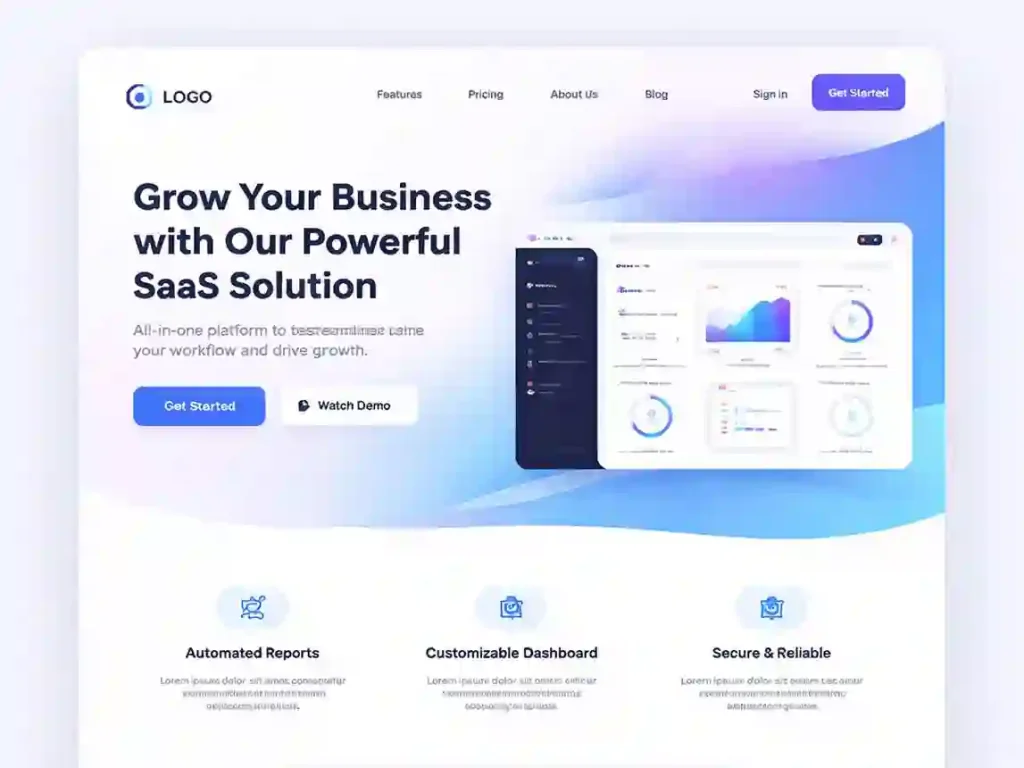
Pay attention to the relationship between the headline and product preview. The most important message should be visible immediately without making the page feel crowded.
If the result looks too decorative, try adding phrases such as “simple grid system,” “restrained visual effects,” or “clear content hierarchy.”
3. Prompt 2: Design an Elegant E-Commerce Homepage
An online store needs to make products easy to discover. A good homepage often combines category navigation, promotional banners, product photography, and product cards.
Use this prompt when exploring layouts for fashion stores, lifestyle brands, electronics shops, or other online retailers.
Copy This Midjourney Prompt
Premium e-commerce website homepage UI design, elegant desktop storefront layout, clean top navigation with brand logo and search bar, large editorial promotional hero banner, featured product collection below, organized product cards with high-quality product photography, visible pricing and shopping buttons, refined typography, warm neutral background with subtle beige and charcoal accents, balanced spacing, modern retail website design, realistic high-fidelity web interface mockup, front-facing browser screenshot composition --ar 16:9What to Look For
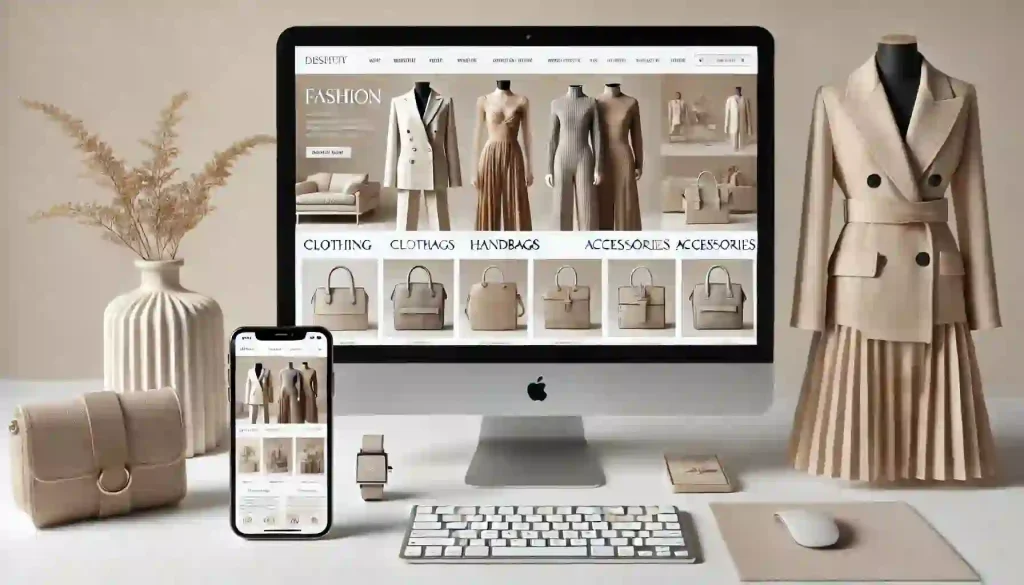
Check whether the product images, prices, and shopping buttons are easy to distinguish. The layout should help visitors understand what the store sells and where to find products.
You can customize the prompt by changing the style. For example, use “luxury fashion editorial” for a premium clothing store or “bright playful colors” for a children’s product shop.
4. Prompt 3: Build a Creative Portfolio Website Layout
A portfolio website should showcase work rather than overwhelm visitors with unnecessary information. Designers, photographers, developers, and freelancers often need a layout that highlights projects and personal identity.
Copy This Midjourney Prompt
Creative personal portfolio website UI design, sophisticated minimalist desktop homepage, clean top navigation, large personal introduction section with professional portrait area, bold editorial typography, carefully arranged project gallery with large image thumbnails, asymmetric grid layout, short about section, subtle hover interaction visual cues, monochrome palette with one muted accent color, premium creative agency aesthetic, generous whitespace, realistic high-fidelity website design mockup, front-facing browser screenshot composition --ar 16:9What to Look For
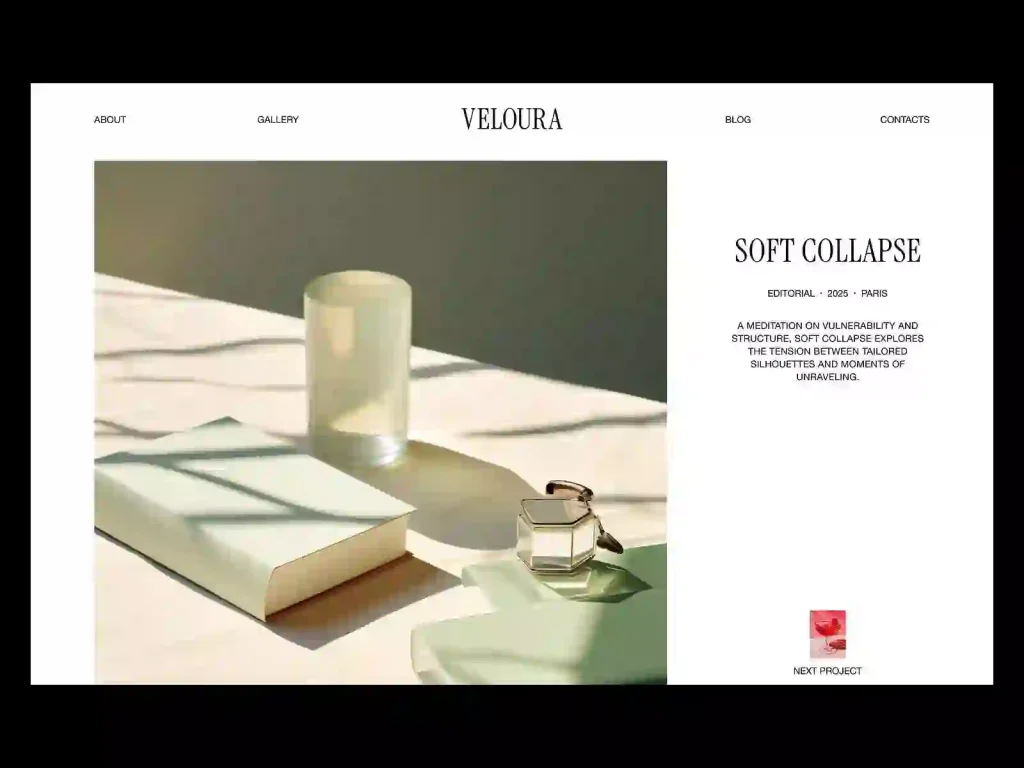
A useful portfolio layout should make the work easy to browse. Look at the size of project thumbnails, the spacing between sections, and how the introduction leads visitors toward the portfolio.
If you want a more technical appearance, replace “creative agency aesthetic” with “modern developer portfolio with dark interface and subtle green accents.”
5. Prompt 4: Create a Professional Analytics Dashboard
Dashboards are different from marketing websites. They need to display information clearly and help users understand data without unnecessary visual decoration.
This prompt is suitable for exploring layouts for analytics tools, business applications, project management software, or admin panels.
Copy This Midjourney Prompt
Professional web analytics dashboard UI design, modern desktop application interface, dark navy left sidebar with navigation icons, clean top toolbar, main content area with summary metric cards, line chart and bar chart panels, organized data table, subtle status indicators, consistent spacing, clear typography, restrained blue and teal accent colors, structured grid layout, realistic high-fidelity SaaS dashboard mockup, front-facing screen composition --ar 16:9What to Look For
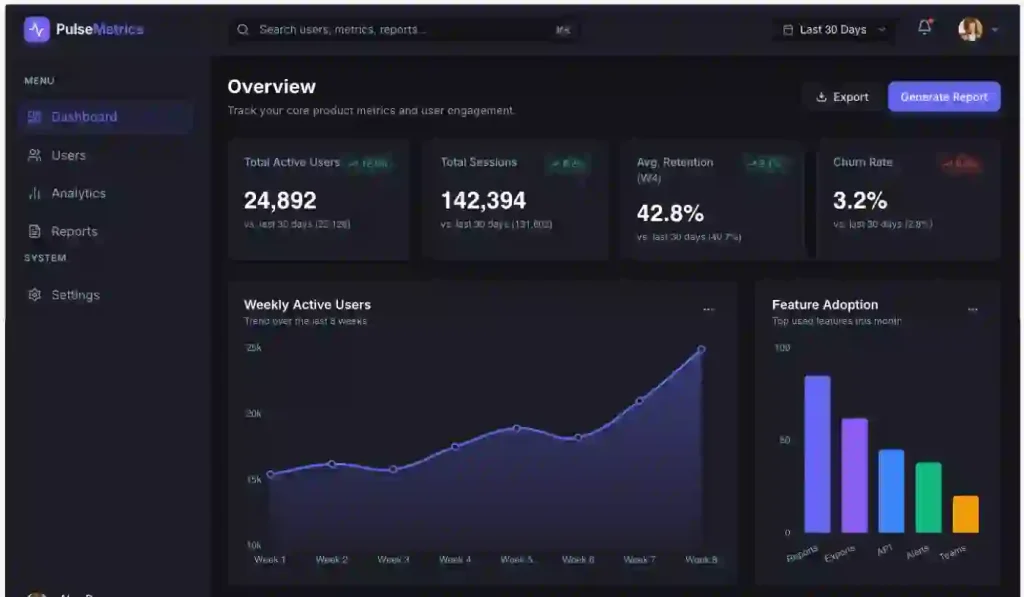
Focus on information hierarchy. Important metrics should be easy to find, while charts and tables should have enough space to remain readable.
Remember that Midjourney creates a visual concept, not a functioning dashboard. It may produce inaccurate numbers, chart labels, or interface text. Treat those elements as placeholders.
6. Prompt 5: Design a Mobile-Friendly Website
Many visitors access websites through smartphones. A design that looks attractive on a desktop may become difficult to use on a narrow screen.
This prompt helps you explore a mobile-first layout for a service website, content platform, or small business homepage.
Copy This Midjourney Prompt
Modern mobile-first website UI design, smartphone screen layout, clean responsive interface for a professional service website, compact top navigation with simple menu icon, clear hero headline, short description, prominent call-to-action button, stacked content cards, readable typography, comfortable spacing, soft white background with muted blue accents, intuitive mobile user experience, polished high-fidelity mobile website mockup, straight-on front-facing smartphone screen composition --ar 9:16What to Look For
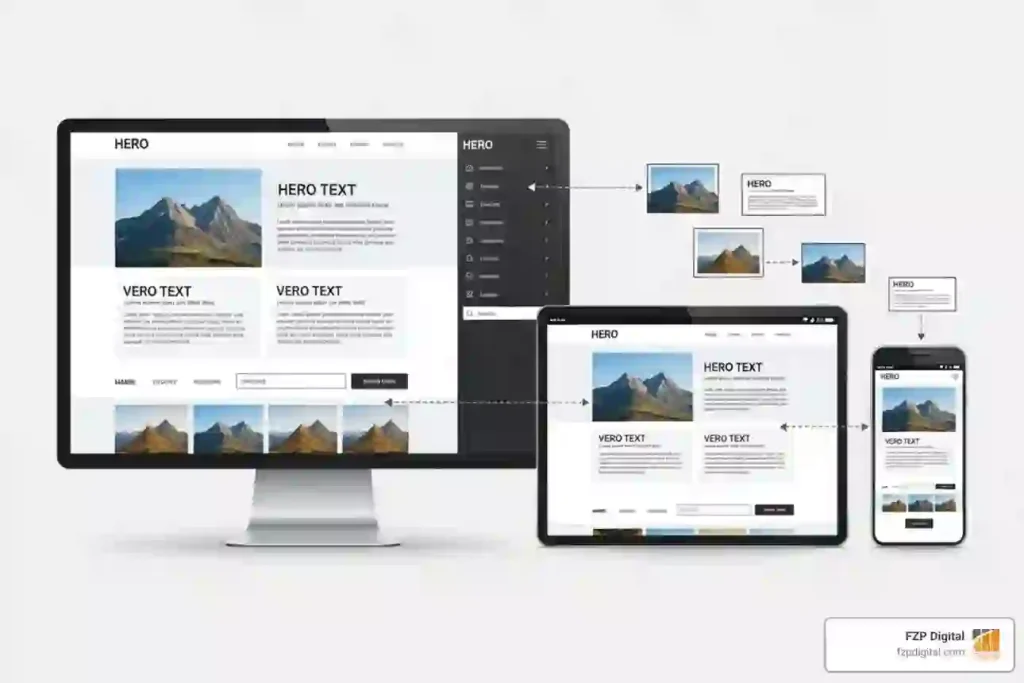
Check whether the headline, buttons, and content cards fit naturally into a vertical layout. Important actions should be easy to identify without excessive scrolling.
You can also generate a separate desktop version by changing the composition and using --ar 16:9. Compare both concepts before deciding on the final layout.
7. Improve Your Results with Simple Prompt Adjustments
Your first generation may not match your expectations. Instead of rewriting the entire prompt, change one or two details at a time.
Control the Aspect Ratio
Midjourney supports the --ar parameter for changing image proportions.
Common choices include:
--ar 16:9for wide desktop concepts.--ar 9:16for vertical mobile concepts.--ar 4:3for more compact landscape layouts.
Adjust the Visual Style
Add descriptive phrases to guide the appearance:
- “Minimalist grid-based layout”
- “Premium editorial typography”
- “Soft neutral color palette”
- “High contrast dark interface”
- “Clean professional spacing”
You can also experiment with the --stylize parameter. A lower value generally follows the prompt more closely, while a higher value gives Midjourney more artistic freedom. The appropriate setting depends on your chosen model and design goal.
For more control, explore Midjourney’s official prompt guide and aspect ratio documentation.
8. Turn Your Generated Design into a Real Website
A generated image is only a starting point. It does not automatically provide HTML, CSS, responsive behavior, or working buttons.
Use this practical workflow:
- Select the generated layout that best matches your project.
- Identify its navigation, hero section, content blocks, buttons, and footer.
- Recreate the structure in Figma or your preferred design tool.
- Choose real fonts, colors, images, and icons.
- Build the page using HTML and CSS, WordPress, or a website builder.
- Test the finished page on desktop, tablet, and mobile screens.
You can also use the generated image as a visual reference when asking an AI coding assistant to create a first version of the page. Explain which parts should be reproduced and which details need to change.
9. Common Mistakes and Troubleshooting
Asking for Too Many Design Details
A prompt with too many unrelated instructions can produce a confusing layout.
Solution: Start with the website type, main sections, visual style, and color palette. Add details gradually.
Expecting Perfect Website Text
AI-generated interface images may contain misspelled words, inconsistent labels, or unrealistic numbers.
Solution: Use the image for layout inspiration. Replace all text and data with real content during implementation.
Ignoring Mobile Layouts
A wide desktop concept does not guarantee a usable mobile experience.
Solution: Generate a separate mobile concept and test the actual website at different screen widths.
Copying a Design Without Reviewing Usability
An attractive layout may still have poor navigation, weak contrast, or confusing buttons.
Solution: Review readability, accessibility, navigation, and user tasks before using the design.
Final Thoughts
Midjourney can make the early stages of website design faster by helping you explore different layouts and visual directions. The five prompts in this guide cover SaaS landing pages, e-commerce stores, creative portfolios, analytics dashboards, and mobile websites.
Start with one prompt, compare several results, and refine the strongest concept. Then use it as a reference for a real design and test the finished website with actual content and users.