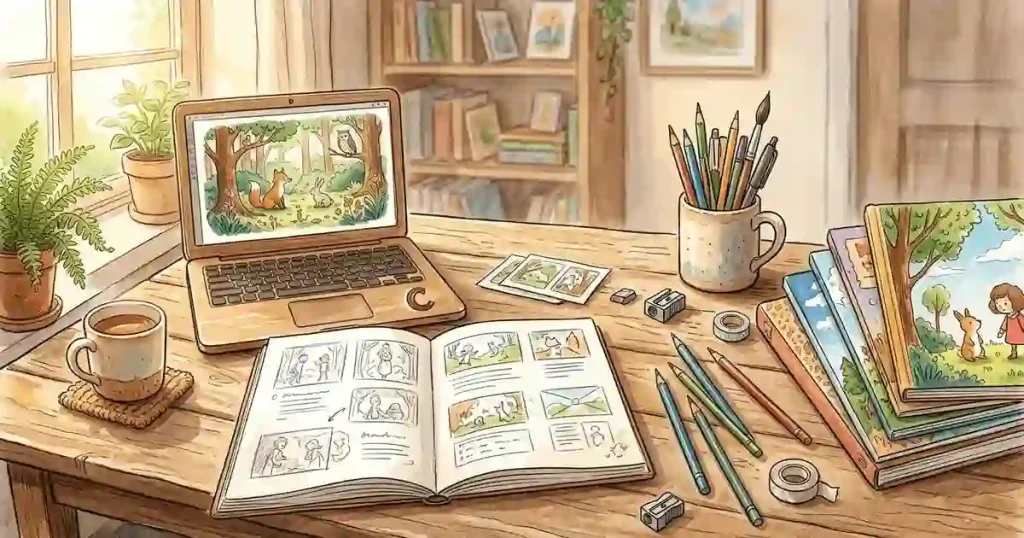
Creating a children’s picture book used to require several different skills.
You needed someone who could develop the story, someone who understood children’s writing, an illustrator who could create consistent characters, and eventually someone who knew how to prepare the book for publishing.
AI has changed that workflow.
ChatGPT can now help with much more than writing a few paragraphs. Used properly, it can help develop the story concept, build the characters, write the manuscript page by page, create illustration directions, polish the text for reading aloud, and prepare the basic material needed for self-publishing.
That does not mean you can press one button and get a finished professional children’s book. In practice, the quality depends heavily on how you structure the process. Asking ChatGPT to “write me a children’s book” usually produces a generic result. Breaking the project into separate stages gives you much more control.
In this guide, I’ll show you an eight-step workflow that turns a rough idea into a children’s picture book project.
The examples use a traditional 32-page picture-book structure, but you can adjust the process for different formats and age groups.
What You Can Actually Use ChatGPT For
Before getting into the prompts, it helps to understand what ChatGPT is good at in this workflow.
You can use it to help with:
- Story development
- Character creation
- Page planning
- Dialogue
- Repetition and rhythm
- Reading-aloud editing
- Illustration prompts
- Cover concepts
- Back-cover copy
- Publishing preparation
- Metadata and keyword brainstorming
There is an important distinction, though.
ChatGPT can help create and organize the material, but it doesn’t replace human review.
A children’s book needs to sound natural when read aloud. The illustrations need to remain visually consistent. Facts, cultural references, educational claims, and publishing specifications should be checked before the book is released.
Think of ChatGPT as part of your production workflow rather than an automatic book factory.
Step 1: Build the Storyboard Before Writing the Book
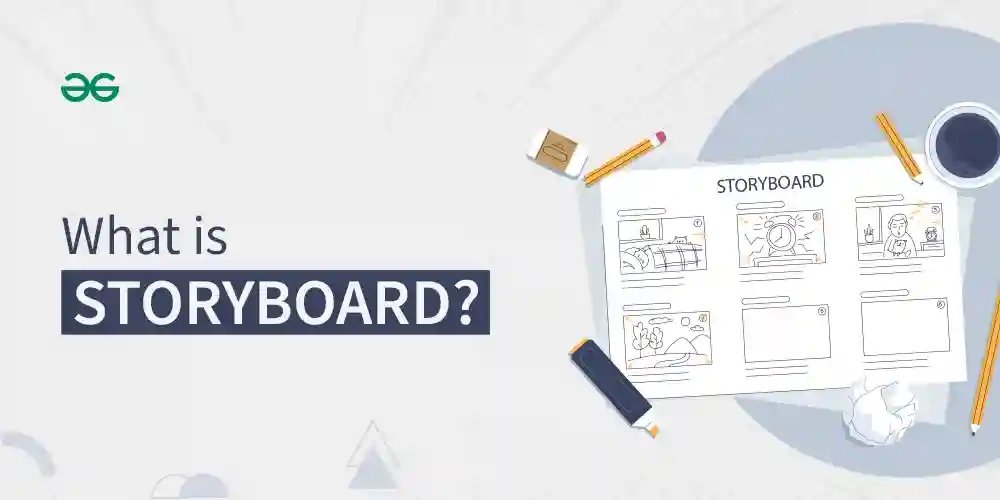
The first mistake is starting with the manuscript.
Don’t do that.
A better approach is to establish the story structure first.
A picture book has very little room for unnecessary scenes. Every page needs a reason to exist, especially when the story is being read aloud to a young child.
Start by giving ChatGPT your basic idea and asking it to work as both a children’s author and picture-book editor.
Prompt
Act as a children's literature writer and picture-book editor.Create a complete story outline for a picture book aimed at [AGE RANGE].Consider:- The developmental stage of the readers- The main learning or emotional goal- The feeling I want children to have after reading the story- The setting and world of the story- The main character's problem- The character's emotional journey- The resolutionCreate a traditional 32-page picture-book structure.For each page or spread, provide:- What happens- The emotional purpose- Estimated word count- Important dialogue or repeated phrase- Suggested illustration directionMy initial story idea is:[DESCRIBE YOUR IDEA]
The important part is the instruction to think about the entire book before writing individual pages.
For example, if your idea is about a small rabbit who is afraid to leave home, ChatGPT might identify the central theme as courage rather than simply turning the story into a sequence of random adventures.
That distinction matters.
A children’s story usually becomes stronger when the character has something emotional to solve rather than simply somewhere to go.
Step 2: Create a Character Bible
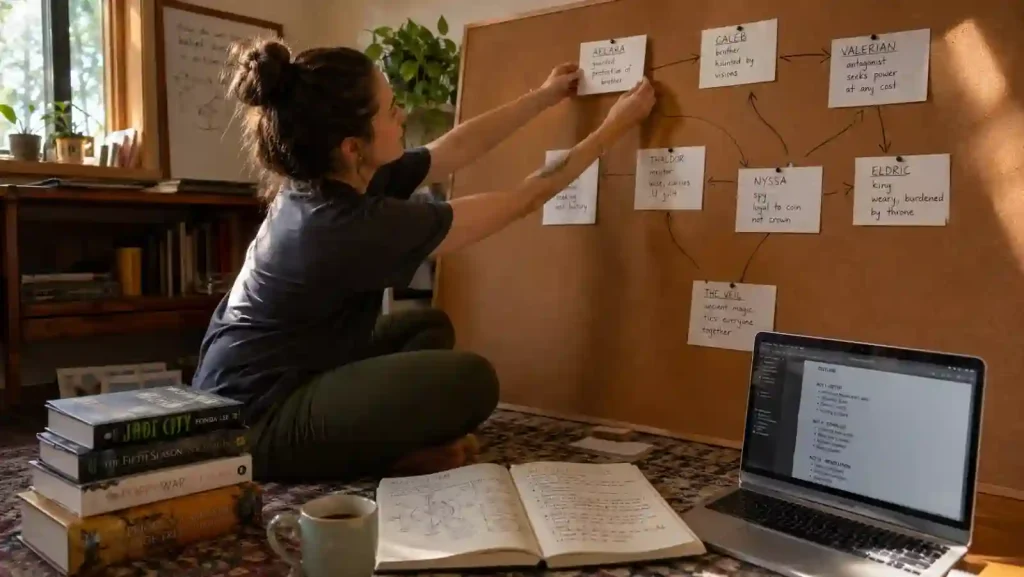
Once the story structure works, create the characters.
This step is especially useful when you plan to generate illustrations with AI.
One of the biggest problems with AI-generated children’s books is character inconsistency.
The rabbit might have blue eyes on one page, brown eyes on another, different clothing in the next illustration, and completely different proportions by the final spread.
A character bible gives you a reference description to reuse throughout the project.
Prompt
Act as a children's picture-book character designer.Create a complete character bible for my main character.Include:- Name- Age- Species or character type- Physical appearance- Body proportions- Face and eye description- Hair or fur- Clothing- Accessories- Typical facial expressions- Body language- Personality- Habits- Small quirks children may find memorable- Things the character likes- Things the character fears- Emotional weakness- What changes by the final pageCreate a short visual description that can be copied into every illustration prompt without changing the character's appearance.Also create two supporting characters who help move the story forward.My main character idea is:[DESCRIBE CHARACTER]
Keep the final visual description somewhere outside ChatGPT.
You can use it as a reference whenever you create an illustration prompt.
This becomes especially useful when you are generating dozens of images.
Step 3: Write the Manuscript Page by Page
Now you have the story structure and character references.
This is the point where you can write the actual book.
Don’t ask for a generic “32-page children’s story.”
Give ChatGPT the storyboard you created in Step 1.
Prompt
Act as an experienced children's picture-book writer.Using the story plan below, write the complete manuscript for a 32-page picture book.Requirements:- Write for children aged [AGE RANGE]- Keep the language natural when read aloud- Use short, clear sentences- Give each page a clear story moment- Avoid unnecessary exposition- Include a memorable repeated phrase- Build toward an emotionally satisfying ending- Keep the vocabulary appropriate for the target age- Avoid making every sentence rhyme- Use dialogue where it improves the storyFor each page, provide:Page numberTextIllustration noteStory plan:[PASTE YOUR STORYBOARD]
The instruction about not forcing every sentence to rhyme is intentional.
Many AI-generated children’s stories sound artificial because every line tries to rhyme.
Rhyming can work extremely well, but only when it serves the story.
A natural picture book can have rhythm, repetition and sound patterns without turning every page into a nursery rhyme.
Step 4: Turn Every Page into an Illustration Prompt
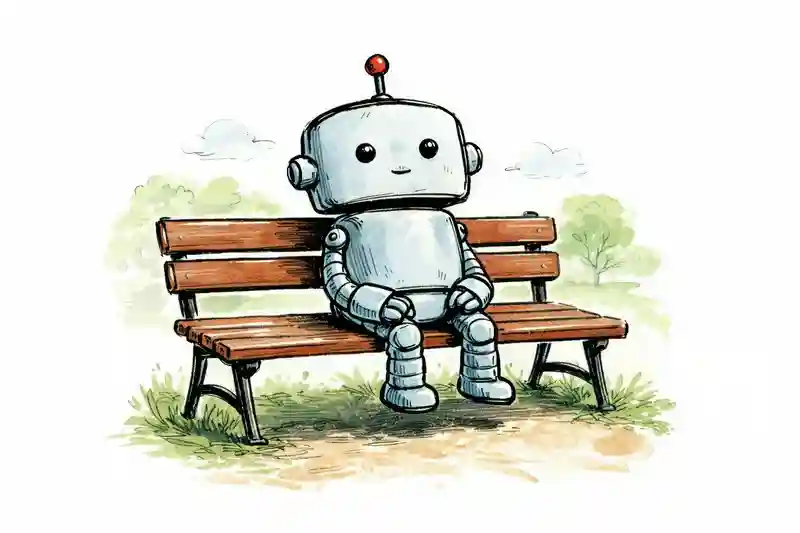
Now comes the visual part.
Don’t simply ask an image generator to “illustrate my book.”
You need to provide enough information to keep the characters, environment, lighting and visual language consistent.
Use ChatGPT as the art director.
Prompt
Act as the art director for my children's picture book.Create one production-ready illustration prompt for every page.For each page, describe:- What is happening- Character poses- Facial expressions- Character placement- Environment- Important props- Time of day- Lighting- Emotional tone- Camera angle- Composition- Foreground and background- Space where the text could be placedRepeat the exact core character description in every prompt so the character remains visually consistent.Do not introduce new clothing, colors, physical features, or accessories unless specified in the character bible.Manuscript:[PASTE MANUSCRIPT]Character bible:[PASTE CHARACTER BIBLE]
This is where the earlier character bible becomes useful.
If the main character is described differently every time, your images will drift.
For example, instead of writing:
“A cute rabbit in a forest”
every time, maintain a consistent description such as:
“Milo, a small gray rabbit with long rounded ears, a cream-colored patch on his chest, a green scarf, and large dark brown eyes…”
The exact wording isn’t magic, but consistency helps.
Step 5: Make the Story Sound Good When Read Aloud
A picture book is not simply a short novel.
Someone is usually going to read it aloud.
That changes how the writing should work.
A sentence that looks perfectly acceptable on screen might feel awkward when spoken.
Ask ChatGPT to act as a read-aloud editor.
Prompt
Act as a read-aloud editor for a children's picture book.Review the manuscript for:- Awkward phrasing- Difficult sentences- Unnatural rhythm- Repetition that feels accidental- Repetition that could be strengthened- Weak page turns- Unclear dialogue- Age-inappropriate vocabulary- Opportunities for sound patterns- Places where a parent would naturally pauseMake the smallest changes necessary.For every change, show:Original:[original line]Revised:[revised line]Reason:[short explanation]Also identify the strongest page-turn moments.Manuscript:[PASTE MANUSCRIPT]
The page-turn part is particularly useful.
A good picture book can use the physical act of turning a page to create anticipation.
You don’t need a dramatic cliffhanger on every page. Sometimes a simple unanswered question is enough.
Step 6: Create the Title and Cover Concept
Once the story exists, work on the title.
Don’t settle for the first title ChatGPT generates.
Ask for several directions.
Prompt
Act as a children's book marketing editor.Generate 8 possible titles for this picture book.The titles should be:- Easy for parents to remember- Easy for children to say- Appropriate for the target age- Connected to the central story- Not overly complicated- Distinct enough to work as a book titleFor the best three titles, create a cover concept including:- Main scene- Character pose- Facial expression- Background- Main colors- Typography direction- Overall emotional feelingExplain what promise each title makes to the reader.Story:[DESCRIBE STORY]
There is a useful difference between a title that describes the plot and a title that creates curiosity.
For example:
Milo Goes Into the Forest
describes what happens.
Something like:
Milo and the Door in the Trees
creates a question.
Why is there a door?
What’s behind it?
That curiosity can make the second title more interesting.
Step 7: Write the Back Cover
The back cover has a different job from the story description.
It needs to attract the parent without giving away the ending.
Prompt
Act as a children's book copywriter.Write two versions of the back-cover description for this picture book.Version 1:Keep it short, warm and energetic.Version 2:Give slightly more detail while avoiding spoilers.Both versions should:- Appeal to parents- Sound appropriate for young readers- Introduce the main character- Hint at the adventure- Communicate the emotional theme- Mention the recommended age range- Avoid revealing the endingStory:[DESCRIBE STORY]
You can then compare the two versions and choose the one that sounds most natural.
Don’t automatically publish the first AI-generated version.
Read it as though you’re looking at the back of a book in a store.
Step 8: Turn the Project into a Publishing Checklist
At this point, you have a story, characters, manuscript, illustrations and cover concept.
Now you need to think like a publisher.
This is where ChatGPT can help organize the work.
Prompt
Act as a self-publishing project manager for a children's picture book.Create a complete publishing checklist from finished manuscript to publication.Cover:- Recommended trim sizes- Page-count considerations- Hardcover requirements- Paperback requirements- Ebook considerations- Interior file preparation- Cover file preparation- Bleed and margin checks- Image resolution- Font considerations- Copyright page- Title page- Metadata- Keywords- Categories- Book description- ISBN considerations- Proof copy- Final quality check- Early readers- Review preparationMy book:[DESCRIBE BOOK]
The important word here is checklist.
Don’t ask ChatGPT to make final publishing decisions without checking the requirements of the platform you’re actually using.
Print-on-demand platforms can have different specifications for:
- Trim size
- Bleed
- Spine width
- File format
- Color profile
- Resolution
- Cover dimensions
Those requirements can also change.
Use AI to organize the work, then verify the final specifications against the publisher’s current documentation.
The Eight Prompts Work Better as One Workflow
The real advantage isn’t any individual prompt.
It’s the order.
A practical workflow looks like this:
Story Idea ↓Story Structure ↓Character Bible ↓Page-by-Page Manuscript ↓Read-Aloud Editing ↓Illustration Prompts ↓Cover + Title ↓Back Cover ↓Publishing Checklist
This is much more reliable than putting everything into one giant prompt.
You can also keep each stage in a separate ChatGPT conversation or document.
For a larger project, I’d recommend maintaining a simple project folder:
Children's Book Project/│├── Story Outline├── Character Bible├── Manuscript├── Illustration Prompts├── Generated Illustrations├── Cover├── Back Cover└── Publishing Files
That makes revisions much easier.
How to Keep AI Illustrations Consistent
This is probably the hardest part of creating an AI-assisted children’s book.
A single image can look excellent while a collection of 20 or 30 images looks inconsistent.
Keep these elements fixed:
- Character appearance
- Clothing
- Main colors
- Age and proportions
- Art style
- Important props
- Environment
- Visual perspective
Create a short visual identity block and reuse it.
For example:
Milo is a small gray rabbit with long rounded ears,large dark brown eyes, a cream-colored chest patch,and a green knitted scarf. He has soft roundedproportions and a friendly children's picture-bookappearance.
Don’t rewrite this description differently on every page.
You should also inspect every generated image manually.
Look for:
- Extra fingers or limbs
- Missing props
- Changed clothing
- Incorrect facial expressions
- Text accidentally appearing in the artwork
- Inconsistent character proportions
- Objects appearing or disappearing between pages
AI can save a tremendous amount of production time, but quality control still belongs to you.
Don’t Try to Generate the Whole Book in One Request
This is one of the biggest practical mistakes.
A prompt such as:
Create a complete 32-page children's book withtext and illustrations.
sounds convenient.
In reality, it gives the AI too many decisions to make simultaneously.
The story may become repetitive. Characters may change. The pacing can become uneven, and the illustration directions may not match the manuscript.
A staged workflow gives you checkpoints.
After the storyboard, you can change the plot.
After the character bible, you can fix the character.
After the manuscript, you can fix the language.
After the illustration prompts, you can fix visual continuity.
That is much easier than discovering everything is wrong after generating the entire book.
A Simple Example Workflow
Suppose your idea is:
A young rabbit is afraid of rain but discovers that a rainy day can become an adventure.
Start with the storyboard.
ChatGPT might identify the central emotional arc as:
Fear → Curiosity → Experiment → Discovery → Confidence
Then create the rabbit’s character bible.
Next, write the 32-page manuscript.
After that, create an illustration prompt for each page.
Then review the manuscript by reading it aloud.
Finally, create the title, cover and back-cover copy.
At no point did ChatGPT need to invent the entire book in one step.
Each stage gives you an opportunity to make a decision.
Where Human Editing Still Matters
AI can produce a technically complete manuscript that still doesn’t feel like a good children’s book.
That’s because children’s writing depends on things that are difficult to measure.
A good story may need:
- A memorable character
- Emotional honesty
- Appropriate humor
- Natural repetition
- Strong page turns
- A satisfying ending
- Language that sounds good aloud
You should also check factual or educational claims yourself if the story teaches something about science, history, animals, health, or other real-world subjects.
The same applies to publishing information.
AI can help you create a checklist, but the final requirements should always come from the platform or publisher you plan to use.
Can You Really Create a Children’s Book for Free?
You can experiment with this workflow with little or no additional software cost, especially if you already have access to the AI tools you need.
But “free” doesn’t necessarily mean that producing a polished commercial book costs nothing.
You may eventually spend money on:
- Image generation
- Editing
- Design software
- Proof copies
- ISBNs, depending on the market
- Printing
- Advertising
- Professional illustration or editing
The more accurate way to think about AI is that it can dramatically reduce the amount of work and specialized skill required to get from an idea to a prototype.
It doesn’t remove every cost involved in producing and selling a professional book.
Final Thoughts
Creating a children’s picture book with ChatGPT works best when you treat the AI as part of a production process rather than a one-click publishing machine.
Start with the story.
Build the characters.
Plan the pages.
Write the manuscript.
Edit it for reading aloud.
Create consistent illustration prompts.
Then work on the cover, description and publishing checklist.
The eight prompts above give you a repeatable framework for doing exactly that.
The most useful idea is simple: don’t ask AI to do everything at once.
Give it one job at a time, review the result, and use that result as the input for the next stage.
That approach gives you considerably more control over both the story and the final visual style.
And if you’re experimenting with children’s books for the first time, you don’t need to start with a 32-page finished product. Create a short prototype first, test the story with real readers, fix the weak parts, and only then spend the time generating the complete book.